

The short answer, if you are standing where I stood in March 2024: buy the iFixit Pro Tech Toolkit, not the smaller Mako driver kit. Not because the Mako is a bad tool. Because a screwdriver on its own does not get you inside a laptop case, and the first time you try it without a pick you will do what I did. I am 56, I have been a hospital billing clerk in Knoxville for 24 years, and that March I stripped a screw on a used Dell Latitude with my husband Walt's old screwdriver. That screw is the reason a toolkit sits on my shelf. It was also the only damage I have done in 32 months.
Here is the whole comparison in plain terms. The iFixit Pro Tech Toolkit is the driver plus everything around it: 64 precision bits, tweezers, a flex extension, opening tools and an anti-static wristband, in a magnetic case. The iFixit Mako Driver Kit is the driver and its bits. If you already own picks and a strap, the Mako is the sensible buy and I will say so in a minute. Most people starting out own neither. I owned one screwdriver that belonged to Walt. I have used the Pro Tech Toolkit for 32 months and I have never held the Mako, so everything I say about the Mako comes from the listing, not from my bench.
| iFixit Pro Tech Toolkit | iFixit Mako Driver Kit | |
|---|---|---|
| What is in the box | 64 precision bits, 4 mm driver, tweezers, flex extension, opening tools, anti-static wristband | The 4 mm bit driver and its bits. No opening tools, no tweezers, no wristband. |
| Getting inside a plastic case | Picks and pry tools are in the lid, so you can start the week the case arrives | Nothing to pry with. You buy picks separately or use something you should not |
| Static protection | Anti-static wristband included, and I wear it on every job at the desk | Not part of the kit. That is a separate purchase |
| The driver itself | 4 mm driver with a magnetic tip, plus a flex extension for screws set deep in a recess | 4 mm driver with a magnetic tip. Same family of tool |
| Storage footprint | 2.3 pounds in a magnetic case with a foam insert | Smaller, because it is only the driver and the bits |
| Cost of entry | The larger outlay of the two, because you are buying the tools around the driver as well | The lower cost of the two. You are only buying the driver and bits |
| If a part breaks | Lifetime guarantee stated on the listing. I have never had to use it | Same company, so read the Mako listing before you buy. I have not tested it |
| Best for | A first repair on a laptop where the case has to come apart and memory or a drive gets swapped | Screws only, when you already own the picks and the wristband |
Where the iFixit Pro Tech Toolkit Wins
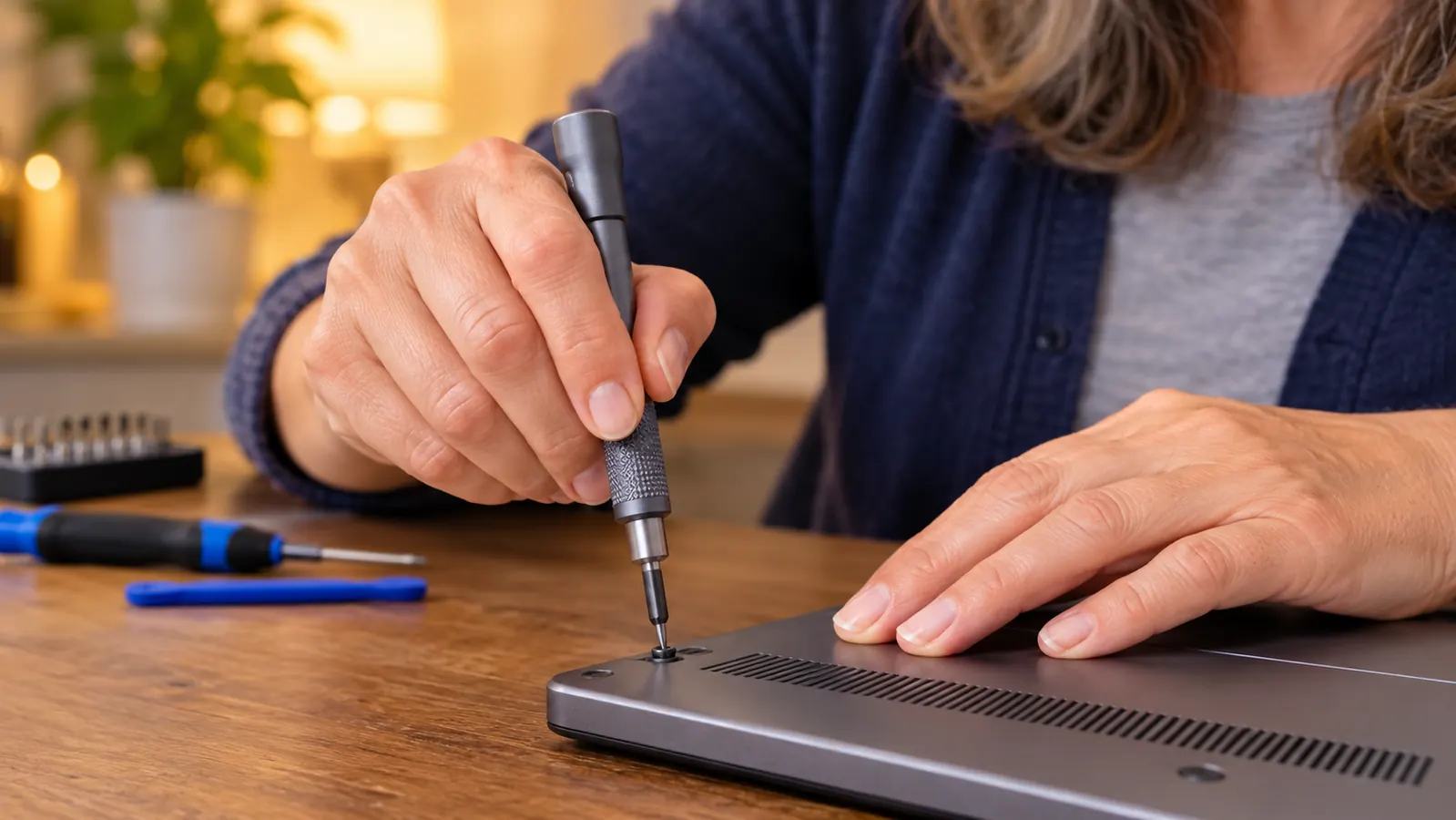
The case is the argument. A laptop does not open with a screwdriver. It opens with a pick slid into a seam, then a pry tool worked along the edge, then tweezers to lift a cable your fingers cannot reach. The Pro Tech Toolkit puts all of that in the lid, so the first evening you sit down you already have every step covered. My first job was reseating the memory in the Dell, and I did it the same week the kit arrived, at eight in the evening, with the anti-static wristband on because my nephew Theo told me not to skip it. I have worn that wristband on every job since. Thirty two months, one stripped screw, and that screw happened before the kit arrived.
The second thing it wins on is the part you cannot buy in a hurry at nine at night: the bits. The listing gives the head styles as Phillips, flathead, Torx, Torx Security, Pentalobe, JIS, HEX, tri-point, nut driver and square, 64 precision bits at 4 mm, with a magnetic tip so a screw stays on the driver while you lift it out. In 2024 I could not have named three of those. What I know now is that a machine built in a factory does not use one kind of screw. The Dell wanted one kind for the case and another for the drive caddy. When a bit is missing you stop, and stopping is how a two hour job becomes a two month job you never go back to.
Two tools in that lid have earned their place more than the rest, and neither one is the driver. The flex extension is a thin shaft that lets the bit reach a screw set down in a recess where a full handle will not fit. On the Dell the drive sits under a lip, and the first time I tried to reach those screws with the handle alone the bit would not sit straight no matter how I held it. The tweezers are for cable connectors, the flat ribbon ones with a small plastic latch. My fingers are not small and they are not steady. Without tweezers I would have pulled on the ribbon instead of the latch, and a torn ribbon is not a screw you can go and replace. Both of those came in the case. Neither came with the old screwdriver in the kitchen.
Where the iFixit Mako Driver Kit Wins
The Mako wins on money and on shelf space, and I am not going to pretend otherwise. You are not buying picks, tweezers, an extension or a wristband, so it is the lower cost of the two. If you are months away from opening a case and you just want one good screwdriver that will not chew up a screw head like the one in the kitchen drawer, the Mako does that job. It is the same family of tool as the driver in my case, a 4 mm driver with a magnetic tip, and it will turn the screws you put in front of it.
It also wins if you already own the rest. Plenty of people come to this after opening a game controller or an old desktop with a cheap pry kit from somewhere, and if that kit works then buying the full toolkit means buying a second set of things you already have in a drawer. That is not a small thing when you are learning on a weekday budget. The only place the Mako gives ground is the seam. It will not get you past one, and the screws are always behind the seam. But if the seam is already handled, the Mako is the honest choice and you should not let a comparison talk you out of it. A tool you own and use beats a better tool you keep meaning to order.
If you do not own picks or a wristband yet, start with the kit that includes them
The iFixit Pro Tech Toolkit is what has sat on my shelf for 32 months: 64 precision bits, a 4 mm driver with a magnetic tip, tweezers, a flex extension, opening tools and an anti-static wristband, in a magnetic case with a foam insert. It is the reason a stripped screw turned into a habit instead of a dead laptop.
Amazon Check Today's Price on Amazon →What the Pro Tech Toolkit Has Actually Done at My Desk
Two jobs, both on the same used Dell Latitude I bought in February 2024 as a practice machine. In April 2024 I took the memory from 8 GB to 16 GB and I swapped the hard drive for a solid state drive. Those are the only upgrades I have made to anything. Both happened on the desk in the back room, the spare bedroom, with the case propped open and the small screws sitting in a dish so they would not roll onto the floor and disappear.
The drive swap is the one I would tell a beginner to practice on. I did it on a Saturday morning in April 2024, starting around nine, and it took me a little over an hour because I stopped to look at every step twice. The old drive comes out of a caddy held by four small screws, and the caddy has to be unscrewed and moved onto the new drive before either goes back in, which is the part nobody mentions. The cable that carries the data is a flat ribbon with a latch, and the latch lifts up, not out. I had read that in my study guide and still sat there for five minutes working out which way up was up. Then the panel went back on and the machine started on the first press.
Neither job is hard. Both are impossible without the right bit and something to lift a cable connector. What surprised me was how much of the work is not the tool at all. It is the order: undo this before that, disconnect the battery before you touch anything else, put each screw back in the hole it came from. The kit does not teach you the order. My printed study guide does not teach it either. I learned it by going slowly and by asking Theo one question at a time, and I have cracked nothing, which for a woman who started this at 54 with no background in it felt like a real result.
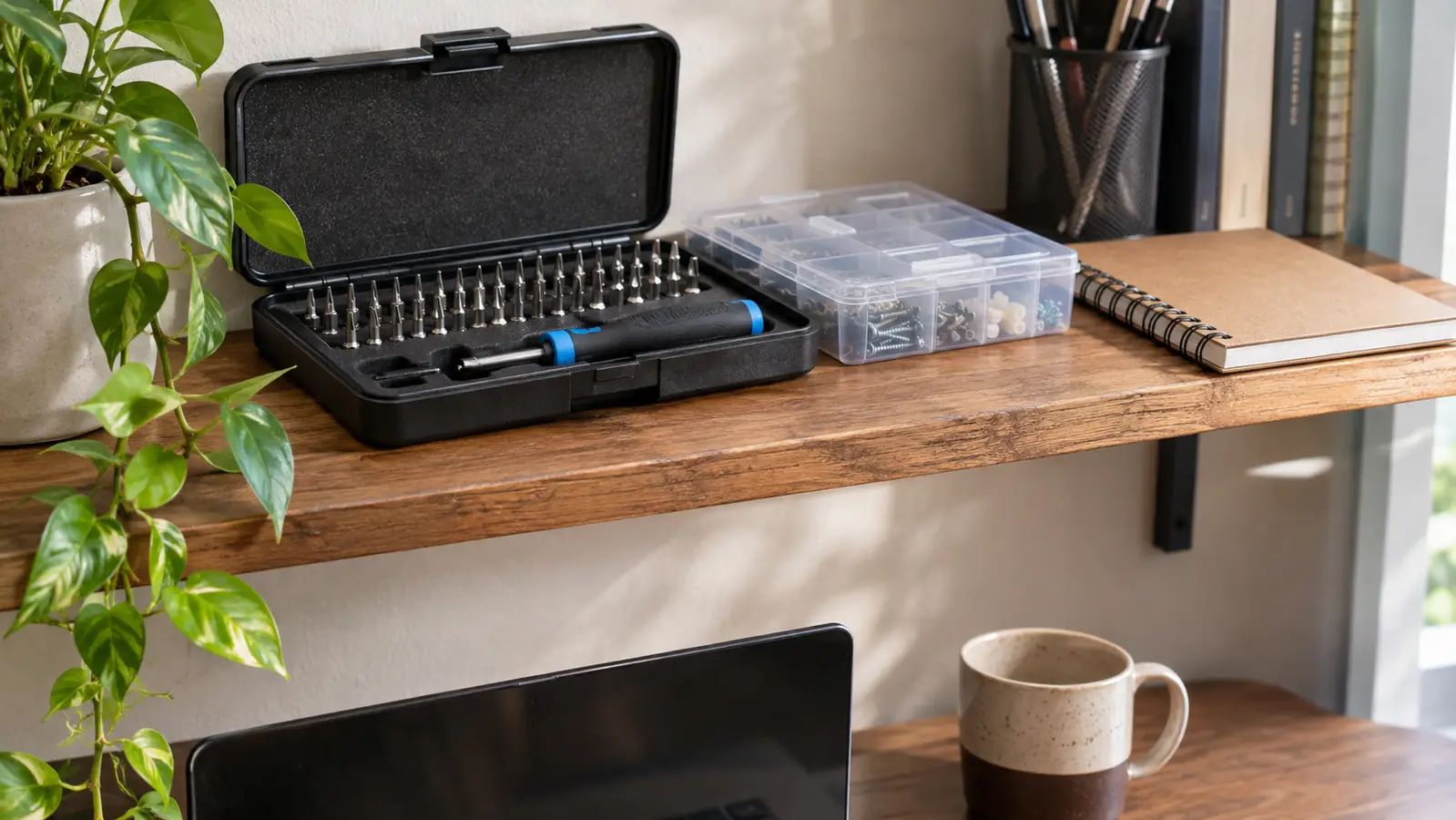
The case has lived on the shelf above that desk for 32 months. It is magnetic and the bits sit in a foam insert, so nothing has gone missing and nothing has broken. I have never used the lifetime guarantee, not once, and I have never needed to.
One stripped screw in 32 months, and it happened with the old screwdriver in the kitchen drawer, not with this kit.
What the Kit Does Not Do
It does not tell you which bit to use. Nothing does. You look at the screw, you try the bit that sits flush in the head, and you stop if it wobbles. The first time I did this I did not know that a bit sitting loosely is the wrong bit. Loose is how heads get rounded, and a rounded head is how a laptop ends up back in a drawer with the panel half off. In June 2024 I nearly did it again. I was putting the Dell's bottom panel back on and one screw would not catch. I had a bit one size smaller than the head, and it felt fine for the first half turn. What stopped me was a habit I had picked up by then: take the driver out, set the bit back in the head, and wiggle it before turning anything. If it rocks, it is the wrong bit. That screw is still fine. The one from March 2024 is not, and I keep it in the dish on the desk so I do not forget what a loose bit costs.
It also does not make you a technician. I am still a billing clerk. I still work weekdays at the hospital, and I still study on Tuesday and Thursday evenings from 7 to 9 plus Saturday mornings. What changed is that the machine on my desk is mine to open, and when my study guide mentions a solid state drive I know what one looks like and where it sits. I failed Core 1 in February 2026 and passed it on the second try in May. No tool had anything to do with either result. The kit gave me something to practice on, and that is the whole of what it does.
Who Should Buy Which
Buy the Pro Tech Toolkit if you have not opened a computer before, if you are learning at a table after work the way I am, and if the first thing on your list is a laptop that has to come apart. Buy it if you do not own picks, tweezers, an extension or a wristband, because you will want all four sooner than you expect, and gathering them one at a time costs more in postage and lost evenings than buying them once in a case. Think about what is in your house right now. Before March 2024 mine was one screwdriver in a kitchen drawer, a set of Allen keys that arrived with some flat pack furniture, and a small pair of nail scissors. None of that opens a laptop. If your drawer looks like that, the full kit is the shorter road, because you are not stopping halfway through a Saturday morning to order something else and losing the thread.
Buy the Mako if you already have the pry tools and a strap that you trust, or if the work in front of you right now is screws only: a desktop case, a controller, a battery door. Buy it if you are not sure this is for you and you want to find out for less. Both are iFixit, both use 4 mm bits, and the difference is the tools around the driver. I would rather you bought the smaller one and actually opened something than bought nothing and kept watching videos about it.
The kit I would hand to anyone starting at 54 with one old screwdriver in the house
Thirty two months, two upgrades on a used Dell, and nothing cracked. The iFixit Pro Tech Toolkit is the purchase I would make again in the same order, and it is the one I would tell a beginner to make first.
Amazon Check Today's Price on Amazon →