
The kit did not fix anything. I want that on the record before I say a single good thing about it, because a tool kit is the easiest purchase in the world to write a glowing review of and one of the hardest to write an honest one about. Nothing in the iFixit Pro Tech Toolkit does the work for you. It sits on the shelf until you decide to open something up, and then it either lets you do the job or it does not. Mine has let me do the job for 32 months. It has also never once told me which screw to take out first, and that is the part nobody warns you about when you are 54 and nervous about breaking a laptop you saved up for.
I bought the iFixit Pro Tech Toolkit in March 2024, three days after I stripped a screw on the bottom of a used Dell Latitude with my husband Walt's old screwdriver. Walt is 59, a retired mail carrier, and not a tech person. Neither was I. I am 56 now, I work full time as a hospital billing clerk in Knoxville, and I started learning any of this at 54 because my department moved to new software in January 2024 and I spent three weeks feeling like the only person in the building who did not understand what was on her screen. My nephew Theo, 31, a network technician at a school district, is the one who told me to stop before I made the Dell worse. He suggested this kit. It was my first purchase for any of this, and everything I bought after it came later and separately.
The Quick Verdict
It removes the hardware excuse in one purchase and has held up for 32 months without a single failure. It will not teach you what to open or in what order, and that is the part you have to bring yourself.
Amazon Check Today's Price →The set that stopped me wrecking a laptop over one screw
A 64 precision bit driver set with tweezers, a flex extension, opening tools and an anti-static wristband, stored in a magnetic case with a foam insert. 2.3 pounds. Lifetime guarantee. The bits fit what I actually had, and nothing in mine has broken.
Amazon Check today's price on Amazon →What Nobody Tells You Before You Buy a Precision Tool Kit
Here is what I got wrong. I assumed a good kit would make me careful. It does not. Carefulness is a habit you build, and mine came from damaging something first and hating how it felt. What the kit actually did was remove the excuses. Before it, every job ended the same way: the bit was the wrong size, the tip slipped, the head rounded off, and I stopped, and stopping felt like the safe choice. After it, the screw came out and I had to decide what to do next, which is a much harder thing to face than a stuck screw. If you are buying this hoping the tools will hold your hand through the job, they will not. If you are buying it because you already know roughly what you want to do and the hardware has been standing between you and it, that is a different situation entirely, and this is where the kit earns its place on the shelf.
The other thing nobody says plainly: the value is in the bit variety, not the handle. The listing gives the head styles as Phillips, flathead, Torx, Torx security, pentalobe, JIS, hex, tri-point, nut driver and square, at a 4 mm head size. In March 2024 I could not have told you what half of those were. I know now that the two that mattered most to me were Torx and JIS, because the screws on the bottom of that Dell were not the Phillips heads I had assumed they were, and forcing a Phillips bit into a screw that wants something else is exactly how I stripped the first one. That is the whole case for a set like this. You are not buying a screwdriver. You are buying the ability to stop guessing which screwdriver.
How I Have Actually Used It for 32 Months
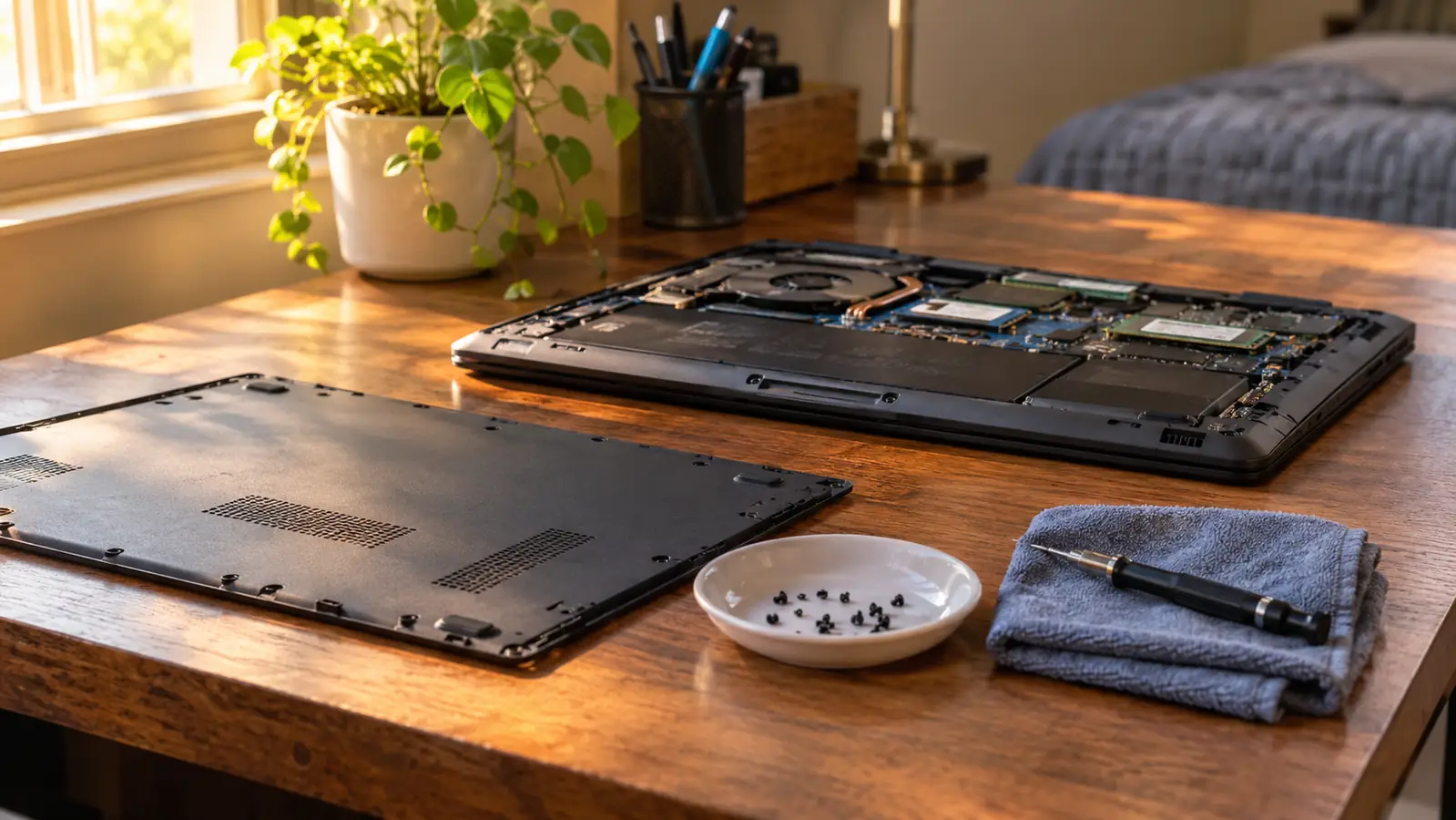
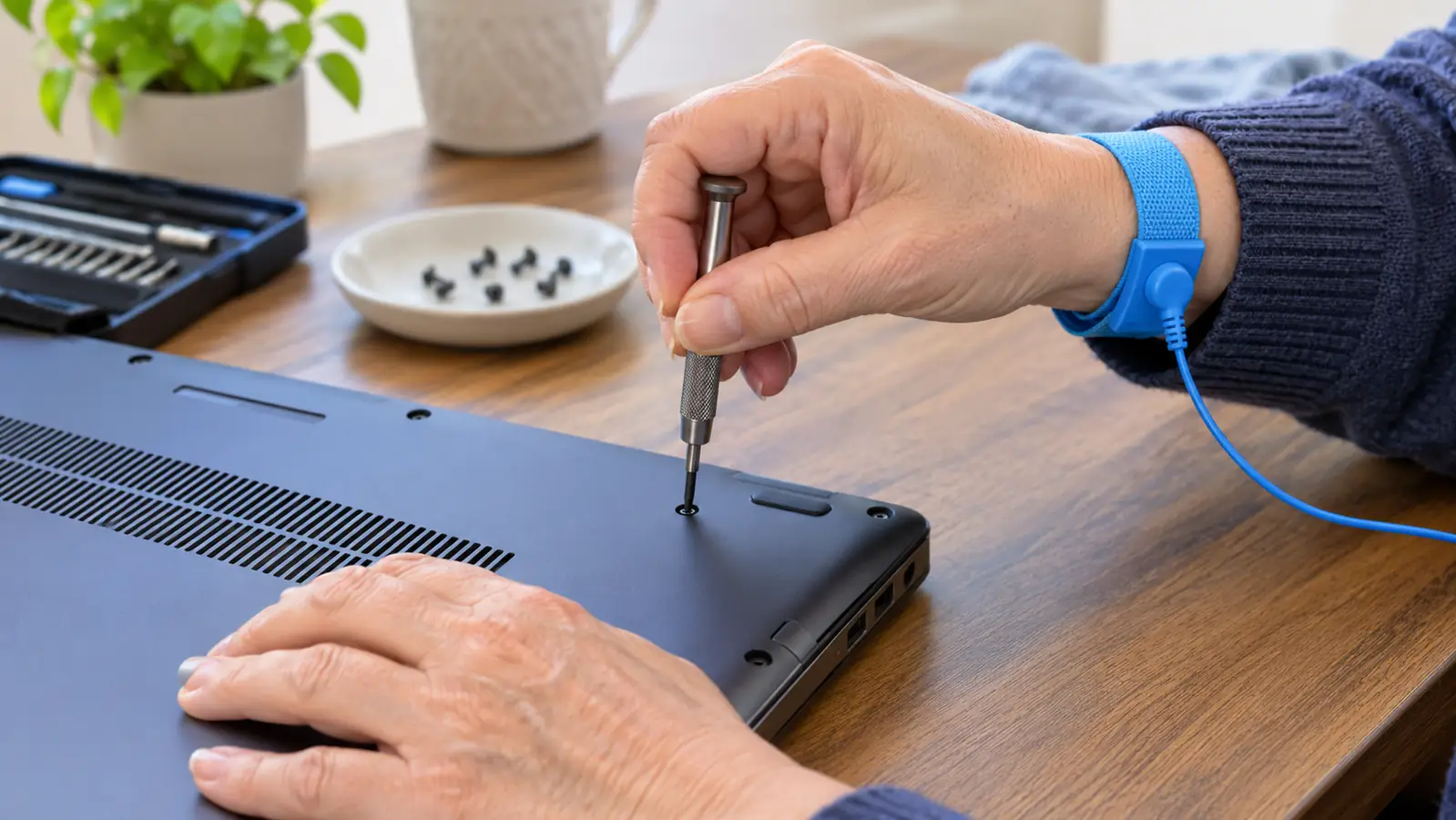
The first job was the same week I bought it. I opened the Dell, which I had bought used in February 2024 specifically to practice on, and reseated the memory. It took me about 40 minutes and most of that was me sitting still and deciding. In April 2024 I went back in and added memory, taking it from 8 GB to 16 GB, and swapped the spinning hard drive for a solid state drive. Those are the only two upgrades I have made to that machine and I have not had a reason to open it since. I wore the anti-static wristband on every one of those jobs, starting with the first, because Theo told me to and because I did not want to be the person who killed a laptop by shuffling across a carpet in winter. The wristband came in the kit. I would not have thought to buy one separately.
Since then it has been smaller work. In February 2025 I assembled a Raspberry Pi 5 starter kit in about 40 minutes at the back room desk, and the small bits were the difference between that being one evening and that being a week of evenings. The tweezers get used more than I expected, mostly for retrieving screws that have rolled into a corner of a case where my fingers will not go. The flex extension is the piece I did not understand until I needed it, and I needed it on the Dell, where two of the screws sit in a recess deep enough that the driver will not reach them straight on. I have never used the warranty and nothing in the kit has broken, including the bits I have leaned on hardest.
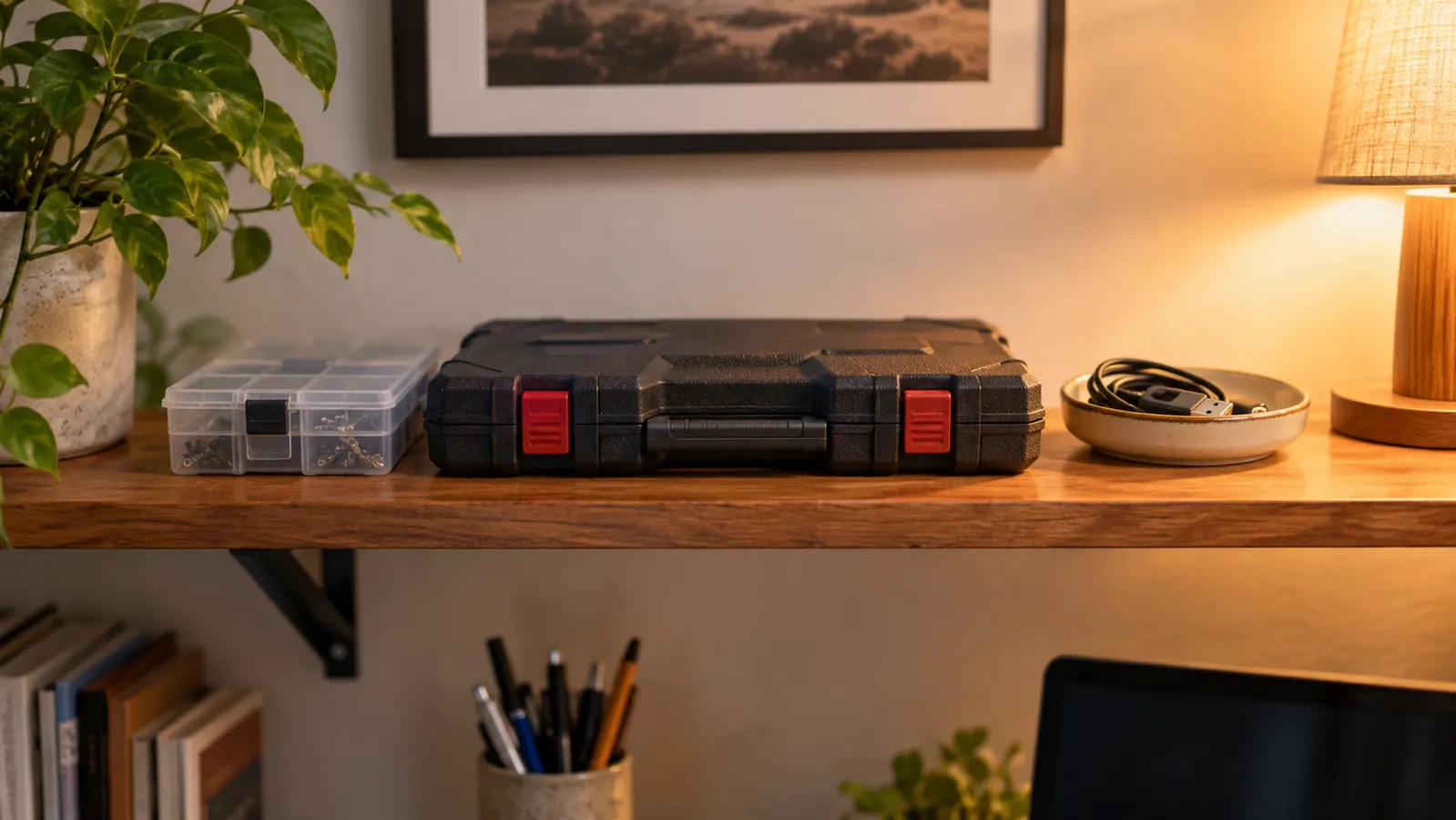
It lives in its magnetic case on the shelf above the back room desk and it has stayed there. I have not lost a bit in 32 months, which for me is unusual, and the case is the reason. The whole thing weighs 2.3 pounds. I have carried it to the kitchen table more than once and over to Theo's place once, and it does not feel fragile in a bag. The magnetic lid and the foam insert mean every piece has one place and rides there. When I open it, I can see at a glance whether something is missing, which matters more than it sounds when you are tired and it is 8 PM on a Thursday and you have already committed to opening a machine.
Thirty-two months of use, one stripped screw, and that screw came out before I owned the kit. I have cracked nothing since.
What Is Actually in the Case, and What Each Piece Is For
The iFixit driver is the part you will hold. It takes the 64 precision bits, it has a magnetic tip, and the head size is 4 mm. The magnetic tip matters more than I expected. It holds the screw on the bit while you lower it into a hole you cannot see, and on a laptop bottom panel, lowering a screw into a hole you cannot see is most of the battle. The bit set is the reason the kit exists at all. I have used maybe a dozen of the 64 in 32 months. That sounds like a waste and it is not, because the dozen I used were the dozen I needed, and I did not know which dozen that would be when I handed over my card.
The rest of it is the part people skim past when they read a listing. Tweezers, which I now use constantly. A flex extension, which is a short flexible shaft that lets you turn a screw at an angle, and which was the only way I could reach two screws on the Dell. Opening tools, which are thin plastic wedges for prying a case apart without gouging the plastic around it, and which I have used on the Dell and on a small project case but never on a phone. And the anti-static wristband, which is a strap that connects you to the chassis so a charge built up in your body does not travel into the board. That last one is not decoration for me. I wear it every single time, on every job, even the two minute ones.
The case is magnetic and has a foam insert, and the listing gives the recommended uses as computers, smartphones or tablets. I can only speak honestly to the computer part. The magnetic lid is the feature I would miss most if it were gone, because it turns a box of loose parts into something I can pick up and move without a disaster on the carpet. There is a lifetime guarantee, and I have never needed to use it, so I can tell you it exists and that I cannot tell you how a claim goes, because I have not filed one and I am not going to pretend I have.
What I Liked
- Bits fit the screws I actually had, including Torx and JIS, so I stopped rounding heads
- Magnetic tip holds a screw on the bit while you lower it into a recess you cannot see
- The case and foam insert have kept every piece together for 32 months
- Anti-static wristband included, so I did not have to figure out to buy one separately
- The flex extension reached two recessed screws on the Dell that nothing else would reach
- Nothing has broken in 32 months and I have never needed the lifetime guarantee
Where It Falls Short
- It will not tell you what to open, or in what order, or which screw is the short one
- I have used roughly a dozen of the 64 bits; the rest sit in the foam
- 2.3 pounds is fine on a desk and noticeable if you carry it in a bag all day
- The opening tools are for prying cases, not for anything in a wall or on a cable run
- It is a precision fastening kit, not a general household tool set
Where It Falls Short
The honest downside is that this is a small fastening kit with a few helpers in it, and the language around any tool kit can make it sound like more than that. It is not a soldering iron. It is not a multimeter. It is not going to help you with a wall outlet or a run of Ethernet cable, both of which are part of what I am studying, and both of which needed other things entirely. I bought a cable tester in October 2025 for the networking half of my studying, because nothing in this case tests anything. That is not a flaw in the kit. It is just what it is for, and I would rather say it plainly than have somebody buy it expecting a workshop in a box.
Second, 64 bits is more than most people will ever touch. I said this already and it belongs in the cons column as well, because a person buying their first kit tends to imagine they will use all of it. I have used about a dozen. The rest sit in the foam, and I am glad they are there for the day the Dell needs something I have not met yet, but I would be lying if I said the count was the point. The point is that the ones I needed were in there when I needed them. The number is a specification on a listing, not a benefit you will feel.
Third, and this one is small: 2.3 pounds is not heavy, but a person who carries a bag on a bus every day will notice it. Mine goes from the shelf to the desk, and from the desk to the kitchen table on study nights, and it has never bothered me once. If you plan to take a kit to a class or a job every single day, weigh that against something smaller with fewer bits. I cannot tell you whether that trade is right for you. I can tell you that for a desk in a spare bedroom, the weight is a non-issue and the case is worth more than the saved ounces would be.
What It Does Not Do
It does not teach you. This is the one I want to be clearest about, because I was 54 and nervous and I think some part of me half expected the box to come with judgement included. It does not tell you to unplug the machine and hold the power button down before you open it. It does not tell you which screw is hiding under which rubber foot, or that a laptop bottom panel usually has one screw shorter than the rest that belongs in one specific hole. I learned that last part from a video and from putting it back wrong once and feeling the panel sit uneven under my palm. The kit gave me the correct bit to make that mistake with. The knowledge came from somewhere else, on a Tuesday or a Thursday evening between 7 and 9.
It also does not fix anything for you, and it does not make a repair safe. The anti-static wristband lowers one specific risk. It does not remove the risk of a battery you should not be poking at with anything, and it does not turn a phone or a tablet into a reasonable first project. I have never opened a phone and I do not plan to start. The listing recommends this kit for computers, smartphones or tablets, and I believe the listing, but I cannot vouch for the phone and tablet side from my own experience, and I would rather tell you what I have actually done than repeat a recommendation I have not tested myself.
Who This Is For
This is for the person who has already decided to open something and keeps getting stopped by the hardware. If your screwdriver is the reason the job is not happening, this removes that reason in one purchase and you will not think about it again for years. It suited me because I had one specific machine, one specific reason to be inside it, and one person to ask when I got stuck. I was studying for CompTIA A+ around then, and I want to be careful here: this kit did not help me pass anything. I failed Core 1 in February 2026 and passed it on my second try in May 2026, and what got me through was hours at the kitchen table, not a tool. I am studying for Core 2 now and have not sat it. What the kit gave me was a way to see the parts I was reading about. That is all, and for me it was enough.
Who Should Skip It
Skip it if you want one screwdriver for the kitchen drawer and nothing more. Skip it if your actual problem is a loose cabinet hinge or a bike brake, because this is a precision kit for small electronics and it will be the wrong tool for those jobs. Skip it if you are buying it as a way into the subject, because a kit is not a course and it will not make you curious on its own. And skip it if you already know you are not going to wear the wristband. I am not being fussy about that. If you are going to open a computer, ground yourself, and if you are not willing to, that is a decision worth making before you buy tools rather than after.
The screwdriver was the thing in my way. It is not in my way anymore.
Thirty-two months in a magnetic case on the back room shelf, nothing broken, every bit still accounted for. Recommended for computers, smartphones and tablets. 2.3 pounds. Lifetime guarantee. It will not teach you the job, but it will stop being the reason you cannot start it.
Amazon Check today's price on Amazon →