
In January 2024 my billing department moved to new software and I spent a week clicking buttons without understanding one thing behind them. I was 54. That was the year I stopped pretending and started learning at the kitchen table, on Tuesday and Thursday evenings and Saturday mornings. I still work the same job at the same hospital. Nothing about my paycheck changed. What changed is that a computer stopped being a box I was afraid to touch.
The purchase that did the most for me was the least dramatic one. In February 2025 I bought the CanaKit Raspberry Pi 5 Starter Kit PRO, the 8GB board with the 128GB card, because I wanted a Linux machine that stayed set up instead of one I booted from a USB drive every session. A CanaKit box arrives as parts, and that turned out to be the point. I assembled it in about forty minutes on a Tuesday. Here are ten things it actually taught me.
One evening, one small computer, and the inside stops being a mystery
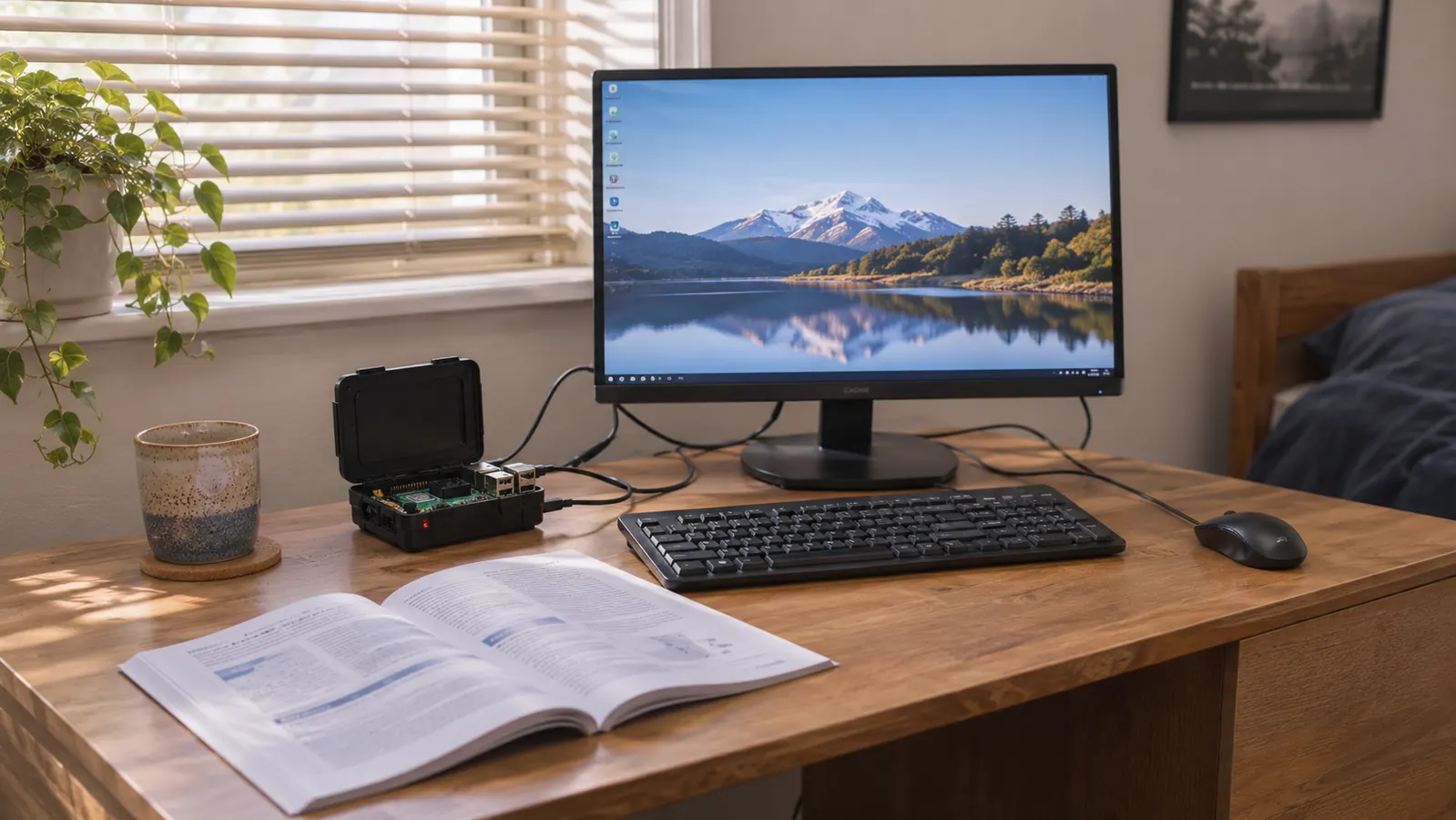
The CanaKit Raspberry Pi 5 Starter Kit PRO: 8GB RAM, a 128GB micro SD card pre-loaded with 64-bit Raspberry Pi OS, a case, a low noise bearing fan, a heat sink, a 45W PD power supply and two display cables in one box.
Amazon Check today's price on Amazon →You build it once and stop being scared of the inside
The kit comes as parts: the board, a case, a low noise bearing fan, a heat sink, the power supply, the card. Nothing is soldered and nothing forces. I seated the fan cable crooked on my first try and had to look twice before I got it flat, which is how I learned the connector has a lip on one side for a reason. Forty minutes, start to finish. What you carry away is that a computer is parts with one correct place each, not a sealed mystery.
The terminal stops being a wall of text
For two weeks I typed commands straight out of a printed guide with no idea what any of them did. Then I started asking. pwd prints the folder you are standing in. ls lists what is there. cd moves you. You cannot read your way into that. You need a machine that stays on so you can type the same three commands fifty times until your hands know them, and that is exactly what a desk machine gives you.
File permissions stop being an error message you ignore
My first month I tried to run a script, got permission denied, and had no idea what it wanted from me. On the Pi I learned the three letters: read, write, execute, set separately for the owner, the group and everyone else. One short command adds execute permission to a file you wrote. I typed it wrong four or five times before it stuck. The mistake is the lesson, not the command.
The card is already loaded, so you start on day one
The 128GB card arrives with 64-bit Raspberry Pi OS written to it. That matters more than it sounds. My very first Linux attempt, on a used Dell laptop, cost me a whole Saturday because I had to make a USB drive bootable first and then fix the boot order. With this kit I put in the card, connected the screen, and had a desktop in front of me. The learning started on day one instead of day three.
A fan and a heat sink teach you why cooling is not decoration
The kit includes a low noise bearing fan and a heat sink that sits over the board. Two years ago I would have called both of those extras. They are not. A processor running fast gets hot, and a hot processor slows itself down to protect itself. Feeling the air move out of the case, knowing I was the one who put the fan there, turned thermal throttling from a phrase in my study guide into something I could point at.
A proper power supply teaches you that power is a number
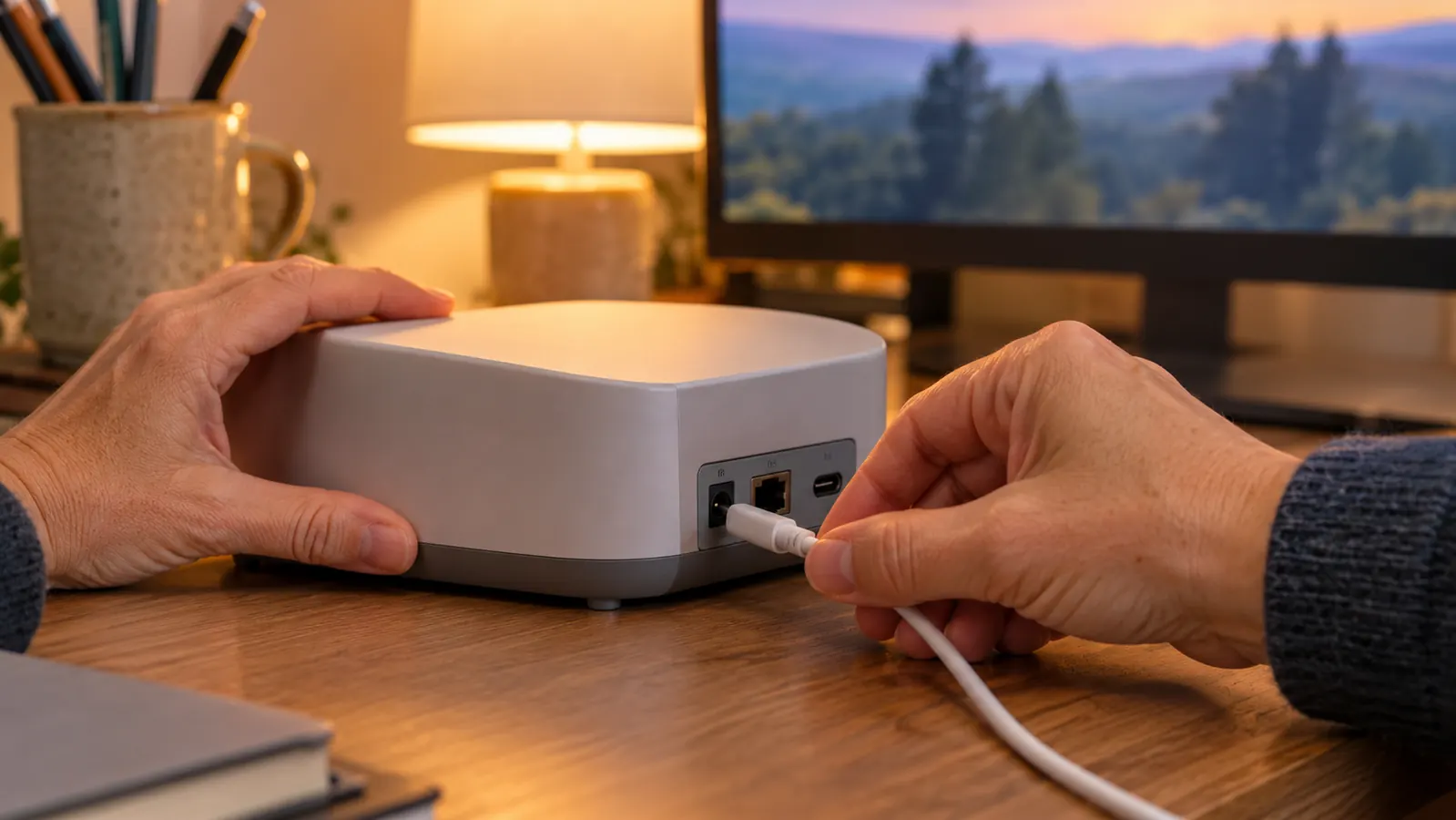
The kit includes a 45W PD power supply made for this board. Before this I believed a USB charger was a USB charger. It is not. A 2.4GHz 64-bit quad-core processor with 8GB of RAM wants more than a phone charger is built to give, and the first symptom is usually a machine that restarts for no reason while you blame your own typing. Now I check the supply before I blame the software.
The GPIO pins turn a screen into something that reacts
The board has GPIO pins, and I had already spent about five months with an ELEGOO starter kit learning what happens when you run a light through a resistor to a ground. The Pi let me do the same job from a real Linux machine, where I could watch a pin change in a terminal window. That joined the wiring half of my studying to the software half in a way no chapter had managed.
Two display cables mean the monitor you already own works
The box includes two 6 foot display cables. I use a 22 inch monitor that Theo gave me, with a wired keyboard and a wired mouse, and I did not have to order a single extra cable to get a working desk. Small thing. But every part you still have to order is another week where the kit sits in its box and you lose the thread you had going.
The card reader lets you look at the card from your other computer
The kit includes a USB microSD card reader. I have used it to look at the card from my everyday laptop when the Pi would not cooperate, and once to copy a file onto the card when the network was down. Moving between two machines instead of treating the Pi as a sealed appliance is most of what understanding computers turned out to mean for me.
It stays assembled, which is the whole point
My Dell practice laptop gets shut and put away. The Pi does not. It lives on the back room desk with Theo's monitor, keyboard and mouse, and I shut it down after each session so it comes back exactly as I left it. When you study twice a week, the less setup stands between you and the terminal, the more of those two hours you actually spend learning.
I learned more from the fan cable I seated wrong than from the first boot that went right.
What I'd Skip
I would skip a bare board as a first purchase if you do not already own a case, a card reader, and a supply that meets what the board asks for. You will spend your first weekend ordering parts instead of learning. I would skip anything sold alongside a promise about passing a certification. I am studying for CompTIA A+, I failed Core 1 in February 2026, and I passed it on the second try in May. No kit did that. The kit only gave me somewhere to practice. And I would skip the older Pi model to save a little on the front end if studying current Linux is the reason you are buying. I have never owned a Raspberry Pi 4, so I can only compare the listings, and the thing I would not give up is the 8GB of RAM and the card that arrives ready to boot.
The kit that stays on the desk is the one that teaches you something
8GB RAM, a 128GB card pre-loaded with Raspberry Pi OS, the case, the fan, the heat sink, the 45W PD power supply and two display cables. About forty minutes to assemble it. 4.6 stars from 1,451 ratings.
Amazon Check today's price on Amazon →