

In January 2024 my billing department switched to new software and I spent a week pretending I understood it. I was 54. That is the whole reason I started learning anything technical, and it is why I ended up at the kitchen table on Tuesday and Thursday nights with one printed study guide and no idea what a pinout was. My nephew Theo, who does network work for a school district, told me early on that most of the problems I would read about in a book turn out to be physical problems. A cable tester is how you find them. I bought the KLEIN TOOLS Scout Pro 3 in October 2025, after borrowing Theo's blinking-light tester for one weekend, and it is the tool that made the networking chapter stop being words on a page.
I am not going to tell you this tool made a certification happen for me. It did not. What it did was take a subject I had been reading about with no picture in my head and put the picture in my hand. Below are ten plain reasons it earned a place in the back room desk drawer, written for someone starting late, at a kitchen table, after work.
The one tool that made the networking unit stop being words on a page
The KLEIN TOOLS Scout Pro 3 tests voice, data and coax cable, measures length, and shows a wiremap on a backlit screen. It is the thing I reach for before I reach for anything else.
Amazon Check Today's Price on Amazon →It gives you a first step that is not a guess
A device that will not connect hands you nothing to work with. You plug it in, nothing happens, and you begin guessing, which is the worst way to learn. The KLEIN TOOLS tester gives you an order to follow. You plug the cable into it and it reports what the cable is doing. If the cable passes, you have eliminated the cable and you move on. If it fails, you are finished looking. Cable first, then the jack, then the device. Before I had that order, I assumed I had broken something. That is a miserable way to spend an evening.
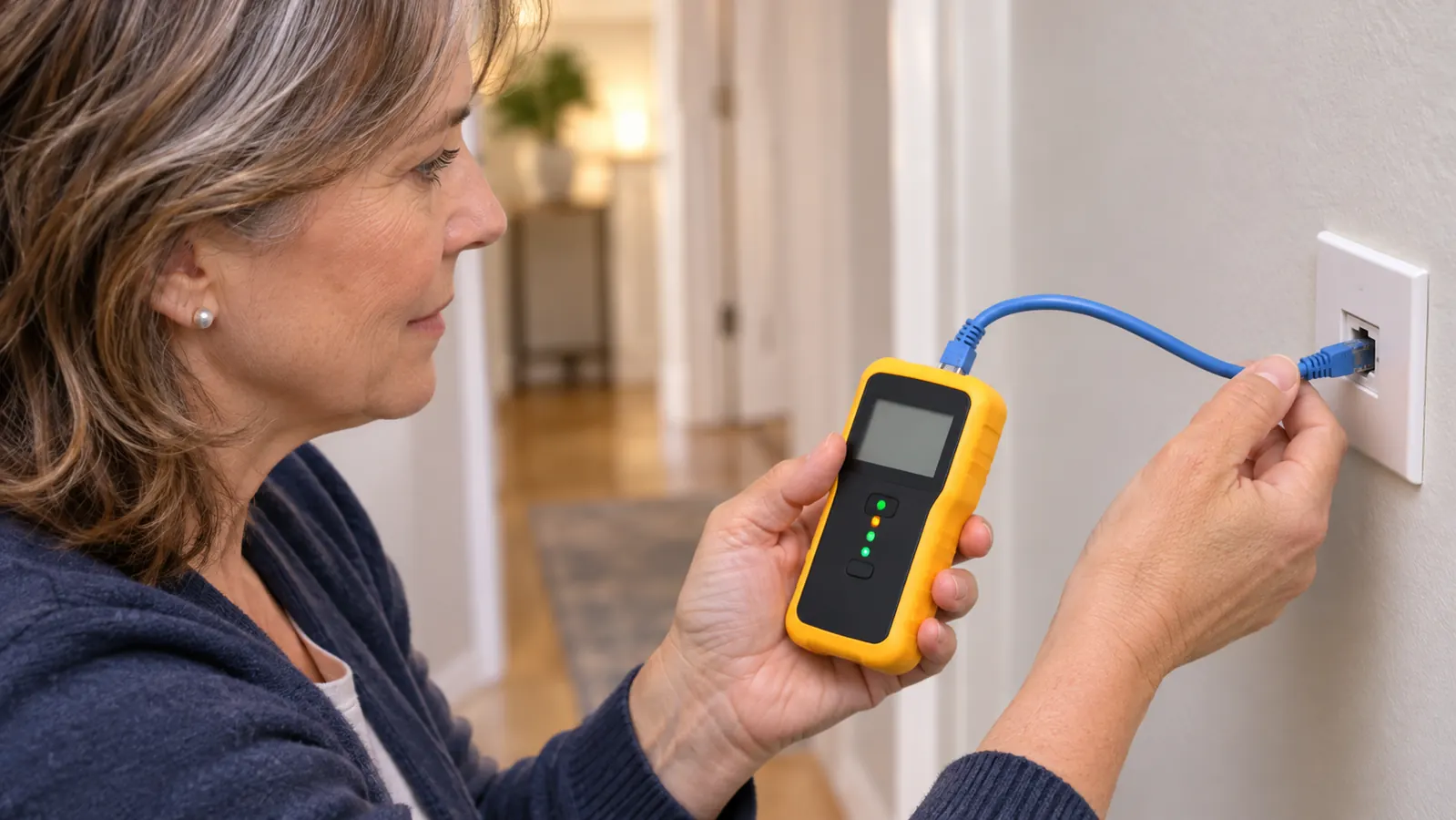
The wiremap shows you the shape of the failure, not just that one exists
There are eight wires inside a network cable and they have to land in a specific order at both ends. A wiremap is a picture of that order, and the Scout Pro 3 shows it on the screen. When a cable fails, the wiremap tells you whether a wire is not making contact or two of them traded places. That is the exact distinction the A+ material asks you to reason through on paper. Seeing it on a real cable, at my own table, is what made the paper version click. Reading about a wiremap and looking at one are not the same activity.
It measures the run in feet, so nobody has to guess the distance
The KLEIN TOOLS listing says it measures cable length up to 2000 feet (610 m). In October 2025 my husband Walt and Theo pulled one Ethernet cable through the attic, from the hall closet to the back room. The tester read 46 feet. I had guessed 30. That gap matters, because a cable has a distance it is rated for and you cannot compare against a number you invented. It is the only run in this house and I have measured it more than once, mostly because I still find it satisfying to get a real number instead of an estimate.
One handheld covers the three connector types a beginner actually meets
The Scout Pro 3 tests voice cable with RJ11 and RJ12 ends, data cable with RJ45 ends, and video cable with a coax F-connector. In 2024 I could not have told you those were three different things. I thought a phone jack was a network jack with a smaller hole. Working through each type one at a time, plugging in and reading a result, fixed that confusion faster than any diagram did. Three connector types, one tool, one evening of messing about at the desk. I have never needed a fourth.
The backlit screen is readable in a dim hall closet
The screen shows cable length, wiremap, cable ID and the test result, and it is backlit. Our hall closet has one bulb and a lot of coats in it. I have stood in there with a flashlight in my teeth and I do not recommend it as a study method. Being able to read a result in a dim space sounds like a small thing until it is the difference between finishing a job and coming back to it later. The home router lives in that closet, which means most of my testing happens in the worst-lit spot in the house.
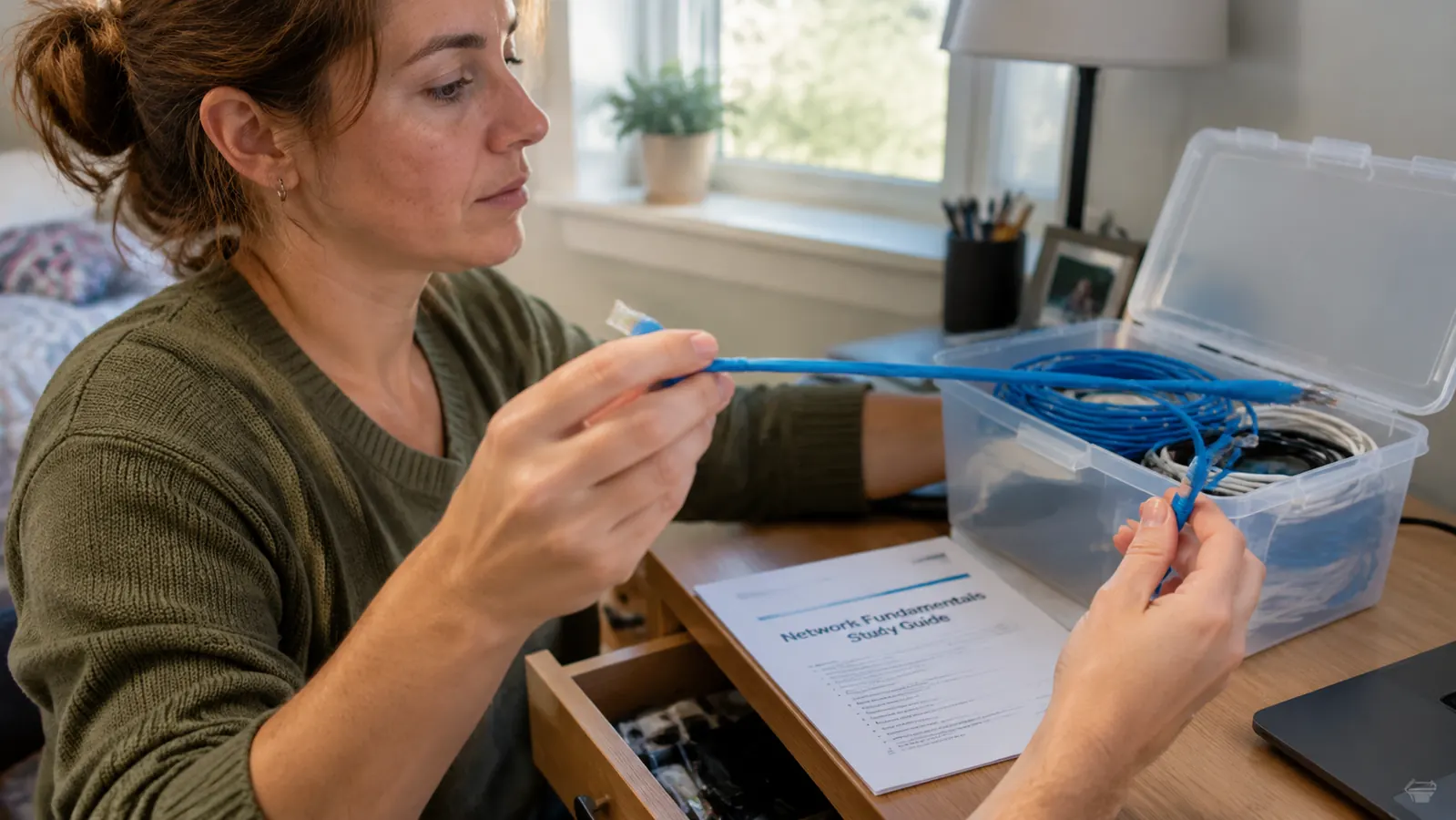
The remotes let one person test a cable that ends in two different rooms
The kit comes with remotes, an adapter and a battery. The remotes are the part that surprised me. A run of cable has two ends in two places, and testing it alone normally means walking back and forth or roping in a helper. With a remote on the far end you plug in once and read the result once. Walt is retired and he is not a tech person, so anything that keeps me from needing him mid-job is a kindness to us both. It also means I can test on a Saturday morning without scheduling anyone.
A whole box of patch cables can be checked in one sitting
Theo gave me a box of ten short patch cables when he heard I had bought a tester. I sat down at the back room desk and tested all ten in one go. One of the ten failed. It went in the trash and I stopped wondering whether the cable was the problem. Ten cables, one bad, no arguing with any of it. That box is the best practice material I own. It turned a vague worry about my equipment into a short list of things that are fine.
It turns the word pinout into something you can hold
Pinout diagrams in a book are lines and numbers. A cable in your hand is a thing you can turn over and plug in. My study guide talks about straight-through and crossover cables, and I could recite the difference long before I understood it. Testing a cable and watching the wiremap come up in order is what finally connected the diagram to the object sitting in front of me. I learn by touching things, and I suspect a lot of people who call themselves bad at technology learn exactly the same way.
It gives you a repeatable procedure instead of an answer
Every test I run follows the same five steps. Power on, plug the cable in, read the length, read the wiremap, decide. Same order every time. Boring is the goal here. When a process is boring you can still repeat it on a Tuesday night when you are tired, and tired is exactly when I used to skip steps and then blame myself for the result. I would rather have a procedure I trust than a fast answer I do not. That habit has carried over to how I read every troubleshooting question in the study guide.
It lives in a desk drawer and takes up no room at all
The tester is 6.9 by 3.2 by 1.5 inches and weighs 454 grams. It runs on a battery that comes in the kit, so there is no cord and no separate power supply to keep track of. Mine sits in the back room desk drawer next to my study notes. It is small enough that I never have to think about where it went. A tool you have to go find is a tool you eventually stop using, and I know that from a shelf full of other things.
One of the ten patch cables failed. It went in the trash, and I stopped wondering whether the cable was the problem.
What I'd Skip
There are two things I have not bought and would not buy yet. The tracing feature needs a probe that is sold separately, and I do not own one, because I have exactly one cable run in this house and I can see both ends of it. I have also never crimped a cable and own no crimper. A probe and a crimper are for cables buried in a wall and ends you have to make. Neither describes my situation, so both stay on the someday list. What I would skip instead is any tester that only blinks a sequence of lights with no length reading and no wiremap, because it tells you something is wrong without telling you what. And one plain rule I follow: I do not test anything connected to live electrical wiring. That is not a limitation of the tool, it is a rule.
If you buy one thing for the networking section, make it this
You do not need a crimper or a probe to start. You need a way to find out whether the cable is the problem, and then to see why. The KLEIN TOOLS Scout Pro 3 does both in one small thing that fits in a drawer.
Amazon Check Today's Price on Amazon →