
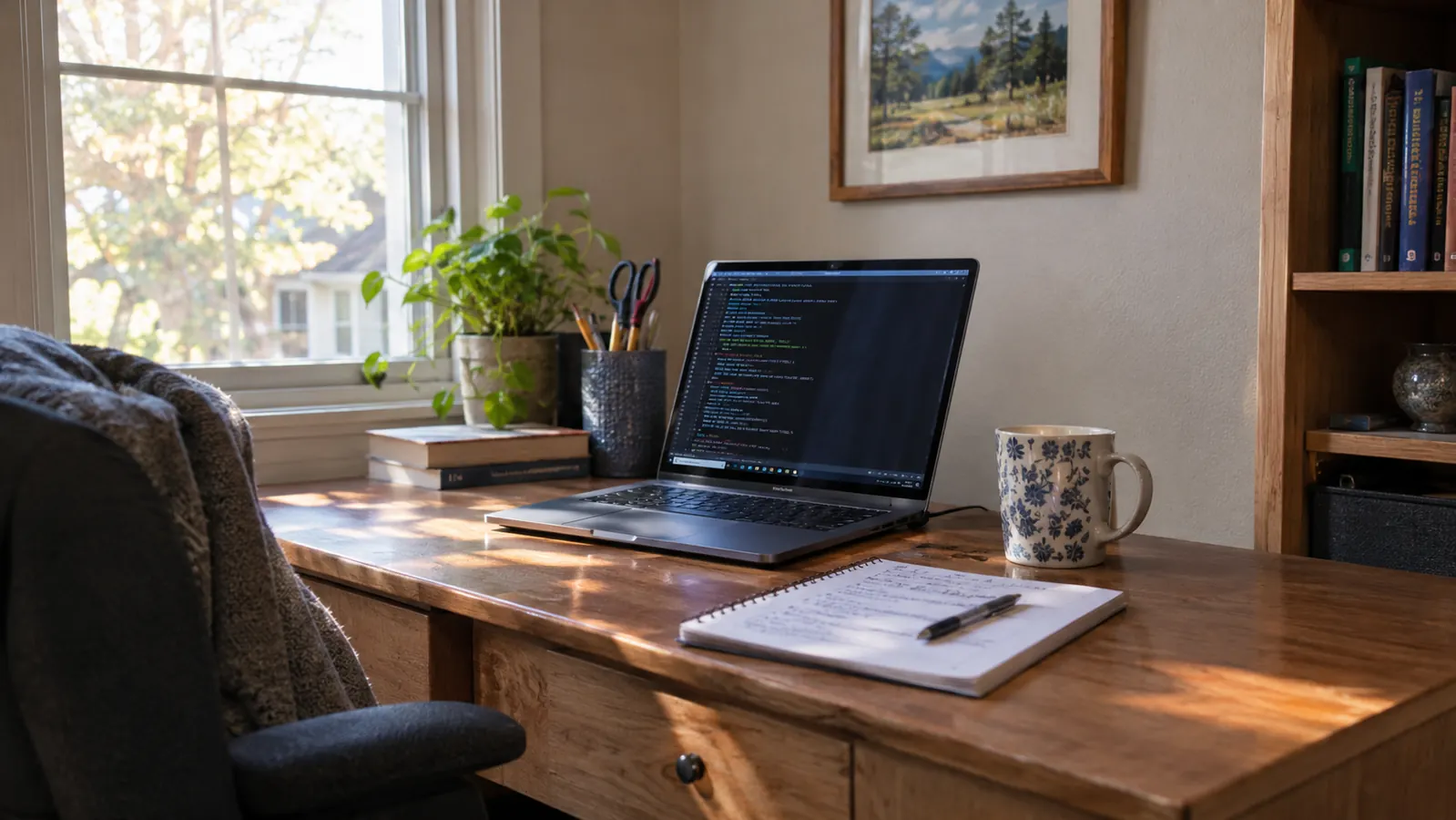
I started learning at 54, in January 2024, when my billing department moved to new software and I felt lost. I am 56 now, still a billing clerk in Knoxville, still studying for CompTIA A+ on Tuesday and Thursday nights at the kitchen table. The SANDISK Ultra Dual Drive Go 128GB is not the reason I understand computers. It is the reason I could practice on a real computer without risking the one I need for work. I bought it in June 2024, one drive only. It has a USB-C end and a USB-A end, 128GB of space, and read speeds up to 400MB/s.
I failed Core 1 in February 2026 and passed it on the second try in May. I am studying for Core 2 now. I am not a technician. I am a woman with a used Dell Latitude, a printed study guide, and a drive in a small dish on the back room desk. That setup has been enough to learn by doing.
One drive, one old laptop, and a Tuesday night
That is how I practiced Linux without turning my work laptop into a test machine. The SANDISK Ultra Dual Drive Go has both USB-C and USB-A ends and 128GB of space. It lives in a dish on my desk.
Amazon See the SANDISK drive on Amazon →Turns the old Dell into a Linux practice machine
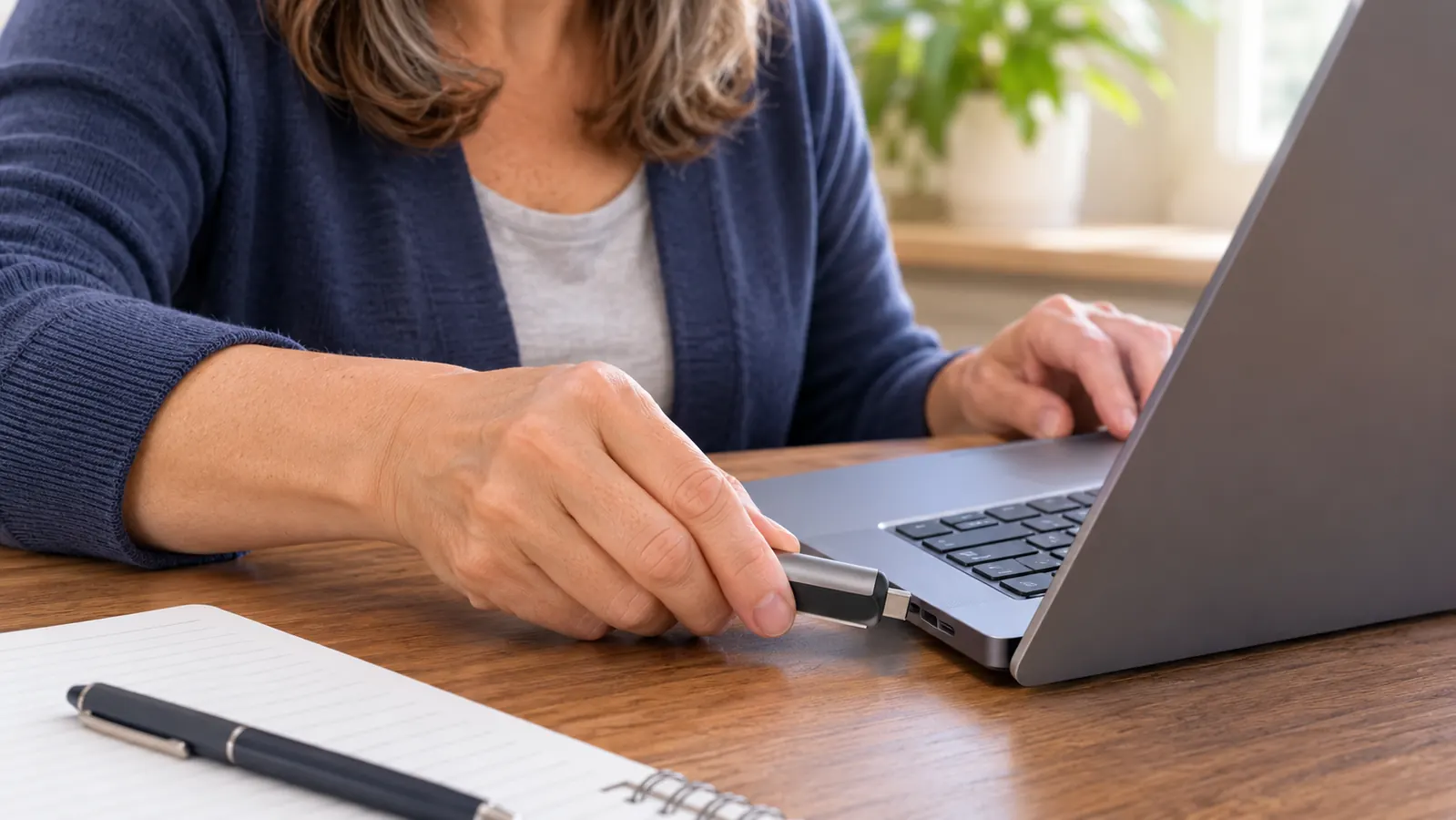
The first thing I did with the SANDISK drive in June 2024 was make it bootable with Rufus on my HP laptop. I used Linux Mint because it was what Theo suggested. Then I changed the boot order in the Dell Latitude setup screen. The first boot worked on the second try. That one exercise taught me more about a computer's startup than any paragraph in my study guide. I was not installing over the Dell's drive. I was running Linux from the drive and learning by doing.
Lets you make mistakes on a machine that is not your work laptop
My HP laptop is the machine I need for billing. I am not willing to learn by breaking it. With the drive, I could boot the Dell into Linux and poke at files, permissions, and the terminal without touching the HP. When I typed a command wrong, I rebooted. When I got lost, I closed the lid and came back Thursday. That low-stakes setup is the whole point for a beginner. The drive is the thing that makes the practice machine separate.
Carries your notes from the HP to your phone with one drive
I write notes on the HP at the kitchen table. I read them on my Android phone in the break room at work. The drive has a USB-A end for the HP and a USB-C end for the phone. I move a folder of text files, not a whole operating system. It is one drive in my bag instead of a cable and a cloud login I have to remember. I do not use the Memory Zone app. I just copy files. That is enough.
Keeps practice files out of your work files
Mixing study notes with billing files is how you lose both. I keep a folder on the drive called Study. It has my Core 2 notes, a few command examples, and the README I wrote to myself about boot order. When I plug the drive into the HP, I know that folder is mine. The rest of the laptop is work. The drive gives me a boundary I can hold in my hand. For an adult learning late, that boundary lowers the nervousness.
Gives you a clean way to start over after a bad practice session
There were Tuesday nights when I broke the Linux desktop or forgot a password and could not fix it. I did not panic. I shut the Dell down, pulled the SANDISK drive, and booted it again. A live session from the drive starts fresh. I could also delete a folder and copy a clean one back. The drive did not make me a system administrator. It let me practice like one long enough to learn the next thing.
Makes an older laptop useful for hands-on lessons
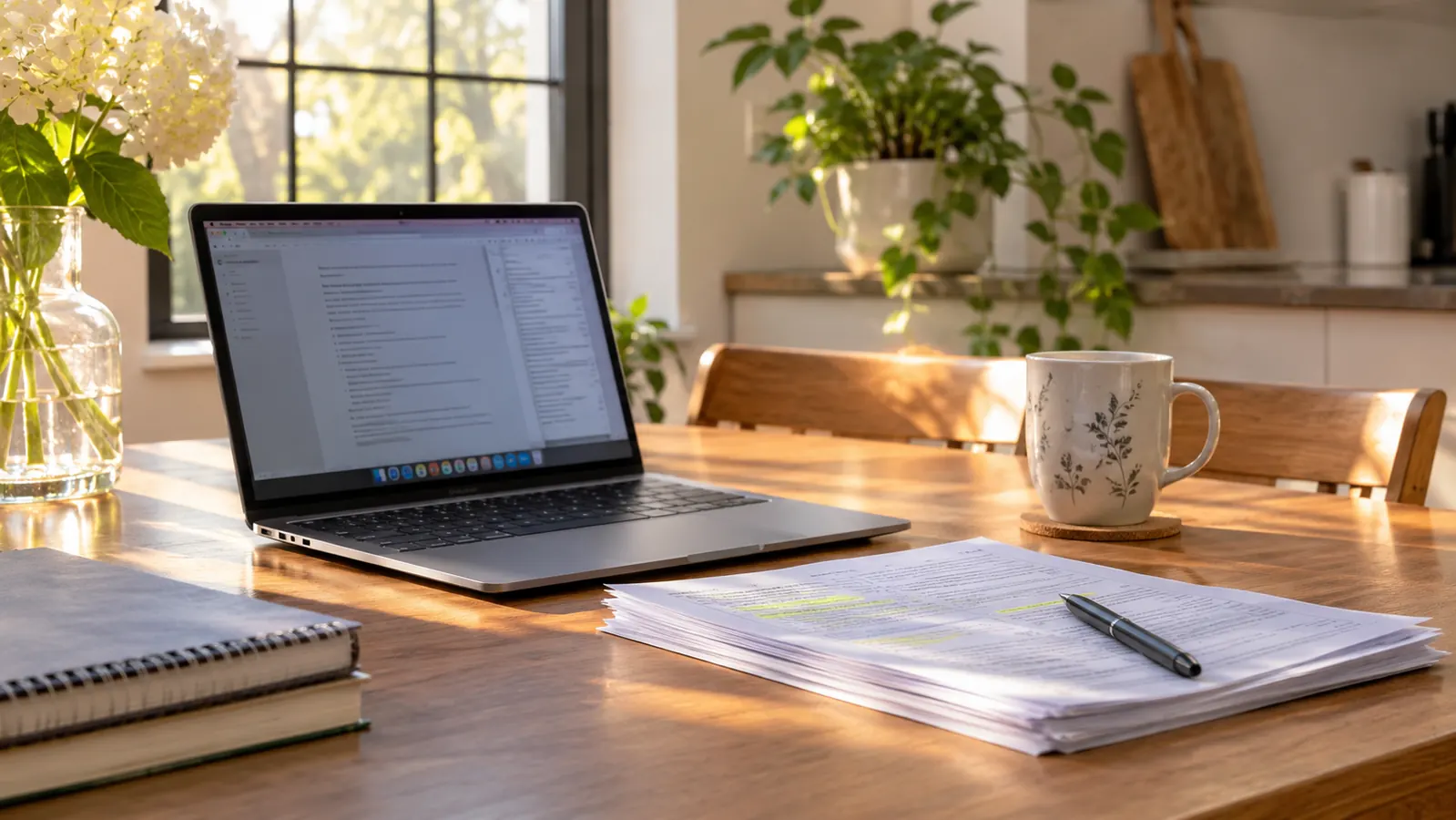
The Dell Latitude was bought used in February 2024 for practice. It is not fast. With Linux on the SANDISK drive, it is usable for the terminal, text editing, and small Python scripts. I do not need a new computer to learn the A+ material. I need a machine that turns on and lets me try. The drive gave that old laptop a second job. That matters when you are learning with what you already own.
Fits in a desk dish so you actually use it
The drive is 1.75 inches tall and weighs 3.7 grams. I know that sounds like listing trivia, but it matters. It lives in a small dish on the back room desk next to my study guide. I see it when I sit down. I do not have to hunt for a cable or a case. A tool you can see is a tool you use. I have never lost it and it has never failed. The five-year limited warranty is on the listing, though I have not needed it.
Lets you follow one lesson while keeping files on another machine
On Saturday mornings I put the lesson on the HP and keep the practice files on the Dell, with the SANDISK drive moving between them. I can read a step on one screen and type it on the other. That sounds small. It is not. When I was reading from a phone and typing on the Dell, I lost my place every two minutes. The drive made the two machines feel like one desk.
Turns a break at work into ten minutes of review
I do not study at work. I have been a billing clerk for 24 years and the queue does not stop. But on a break I can plug the SANDISK drive into my phone and read a page of notes. I can look at the list of Linux permissions I wrote out by hand. Ten minutes on Tuesday is ten minutes I did not have before. The drive is small enough to leave in my bag and the USB-C end means I do not need an adapter.
Teaches you the boot order by making you change it
The first time I tried to boot the Dell from the SANDISK drive, it started Windows instead. I had to go into the setup screen and change the boot order. That was the lesson. A computer checks devices in a sequence, and the drive is one of those devices. I read about boot order in my study guide, but I did not understand it until I changed it myself. The drive forced the hands-on part. That is why it stays in the dish.
What I'd Skip
I would skip the idea that you need a big drive, a special brand, or a perfect study setup. 128GB is more than I use. A 16GB stick would hold notes, but mine was USB-A only, so it would not reach my phone. I would also skip the app if you are like me. The listing says the Memory Zone app can back up photos, but I never installed it. I copy files by hand. The point is practice, not collecting software. If you already own a USB-A stick, try it before buying anything. If you need both ends and a drive that can hold a Linux image, the SANDISK Ultra Dual Drive Go is the one I use.
The drive did not teach me Linux. It let me practice Linux on a real machine until the lesson stuck.
If you are learning late, give yourself a machine you can break
I started at 54 because my billing department changed software. I am not a technician. I am a woman with a used Dell, a study guide, and a drive in a dish. That was enough to practice. The SANDISK Ultra Dual Drive Go is the one I bought in June 2024 and still use.
Amazon See the SANDISK drive on Amazon →