
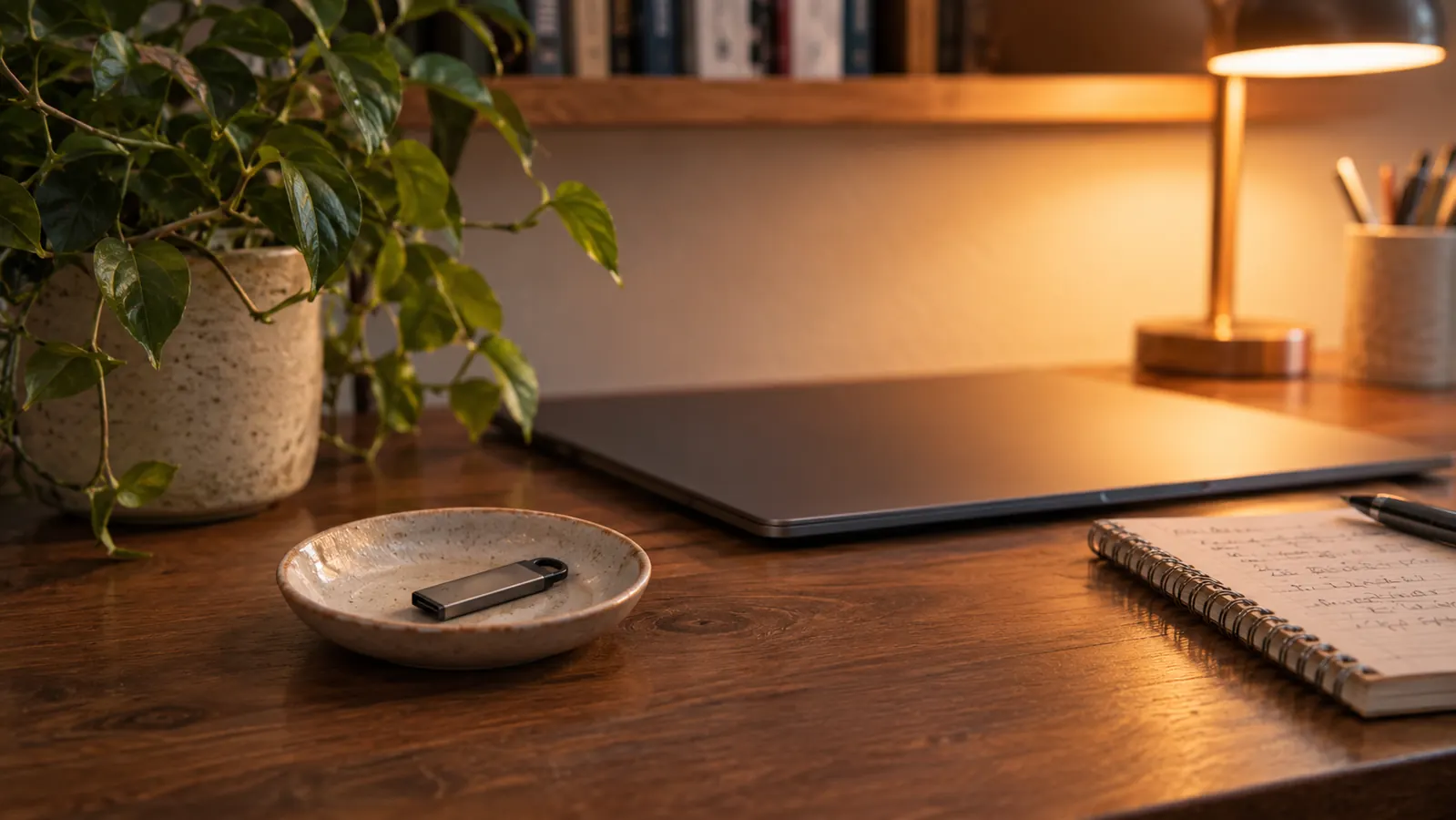
The first time I tried to move a file from my phone to my laptop, I did what I had always done. I emailed it to myself. It worked the way using a butter knife to open a paint can works: the lid came off, and I knew there had to be a better way. The file was a 900 megabyte practice exam PDF, my email refused it, and I sat at the desk in the back room feeling every one of my 54 years. That was June 2024. I bought the SanDisk 128GB Ultra Dual Drive Go that week on my nephew Theo's recommendation, and it has sat in a small dish on that same desk for 29 months.
I am not a technology person and I am not going to pretend to be one. I have worked in hospital billing for 24 years and I still work there full time. I started learning computers at 54, in January 2024, because my department switched to new software and I felt the floor tilt under me. Since then I have bought five things, one at a time, each on Theo's advice. The SanDisk drive was the second of the five. It is also the one that has quietly done the most work, and the one I understand best, which is why I want to write it down plainly, including the parts that were not perfect.
The Quick Verdict
Two connectors on one small drive, and 29 months without a single failure. Writing large files is slower than I expected, and I never found a use for the app.
Amazon Check Today's Price →One Drive, Two Ends, and 29 Months of Notes on It
The wide end fits my laptop, the small end fits my phone, and nothing has been lost in between. Today's price is on the listing.
Amazon Check Today's Price on Amazon →How I've Used It
The first job is travel. Every note I have taken for CompTIA A+ lives in one folder on this drive. On Tuesday and Thursday evenings from 7 to 9 I work at the kitchen table with the HP laptop, and the wide end goes into the side of it. On Saturday mornings I read the same notes on my Android phone, using the small end. No cable, no adapter, no emailing a file to myself and hoping it arrives. I open the folder, I read, I close it. That is the whole procedure, and it has not changed in 29 months.
The second job came later and surprised me. In September 2024 I used the drive to run Linux on the Dell Latitude that I bought used in February 2024 as a practice machine. I will come back to that, because it is the most useful thing I have done with a computer and also the part where I got stuck for an hour.
There is a third job I did not plan. When Theo gave me a box of patch cables and I started testing them with the network tester I bought in October 2025, the results went onto this drive in a plain text file. So did the notes from the evening I sat with the Raspberry Pi working through file permissions until they finally made sense. It turns out that a drive in a dish is where the thinking goes.
What has not happened is worth saying too. I have not lost it. No file has come back damaged. No machine has refused to recognise it. It gets picked up two or three times a week, and after 29 months it behaves exactly as it did in the first week. For someone who once left a work badge in a coat pocket for a month, that is not nothing.
What the Two Connectors Actually Do
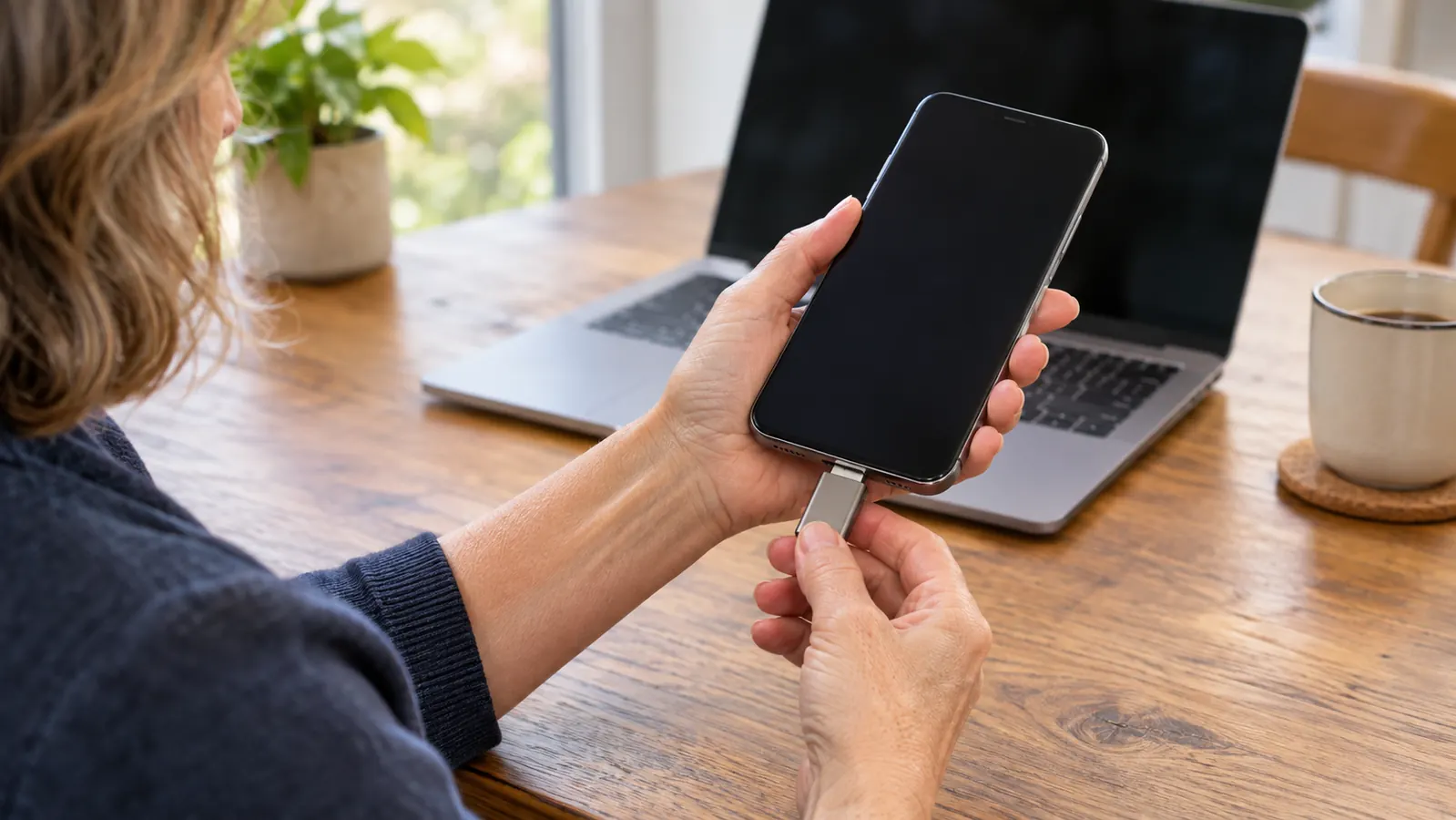
Here is the part I had to have explained to me twice. The wide flat end, called USB-A, is the one that has been on computers for years. The small end, called USB-C, is the newer one, and it is what my Android phone takes. A plain USB stick has only the first kind. That is why the old 16 GB stick from work, which still sits in the same dish, could never talk to my phone at all.
The SanDisk has both ends on one body. That sounds like a small thing until you have stood in a kitchen holding a phone in one hand and a stick in the other, wondering whether you own the right cable. The small end is reversible, which the listing states, so there is no wrong way to put it in. I still look every time, out of habit, but I do not have to.
The drive holds 128 GB. I have never come close to filling it. My notes folder is a few hundred megabytes after two and a half years, and the Linux installer I put on it took a couple of gigabytes. If you are storing video, you will fill it faster than I did. For documents, exam notes, a few installers and a copy of the family photos, 128 GB has been more room than I have needed. The listing also states it works with phones and tablets, which is the only reason I bought it.
What I Compared Before I Bought
Before I bought this, I did what I always do, which is worry about whether I was buying the wrong thing. I had exactly one point of comparison in the house: the old 16 GB stick from work, which still lives in the same dish. I could also have bought a plain USB-A drive and a small adapter.
The difference is not only capacity, although 16 GB against 128 GB is not a small gap. The difference is that the old stick has only the wide end. To get a file from my phone onto it, I would have needed a cable, and I did not own the right one. An adapter would have cost nearly as much as the drive and would have been one more small thing to lose in a drawer. Theo's argument was simple: buy the one with both ends on it and stop thinking about it. That is a rare piece of advice that turned out to be true.
What I gave up by not buying a plain USB-A drive is nothing I have missed. What I gave up by not buying a faster drive is speed on large files, which I do not move often. There are drives on the market that read faster than the 400 MB/s this one claims. I do not have a job that needs one, and I would rather have spent the difference on the practice machine.
Turning It Into a Bootable Linux Drive
This is the part I would want to read if I were you. I wanted to run Linux, which is a free operating system, on the Dell, without wiping Windows off it. Theo said to use a program called Rufus on the HP laptop and to point it at the drive. Rufus writes the Linux installer onto the drive so that the Dell can start from it instead of from its own hard drive. The version I used was Linux Mint, which is the one people recommend to beginners.
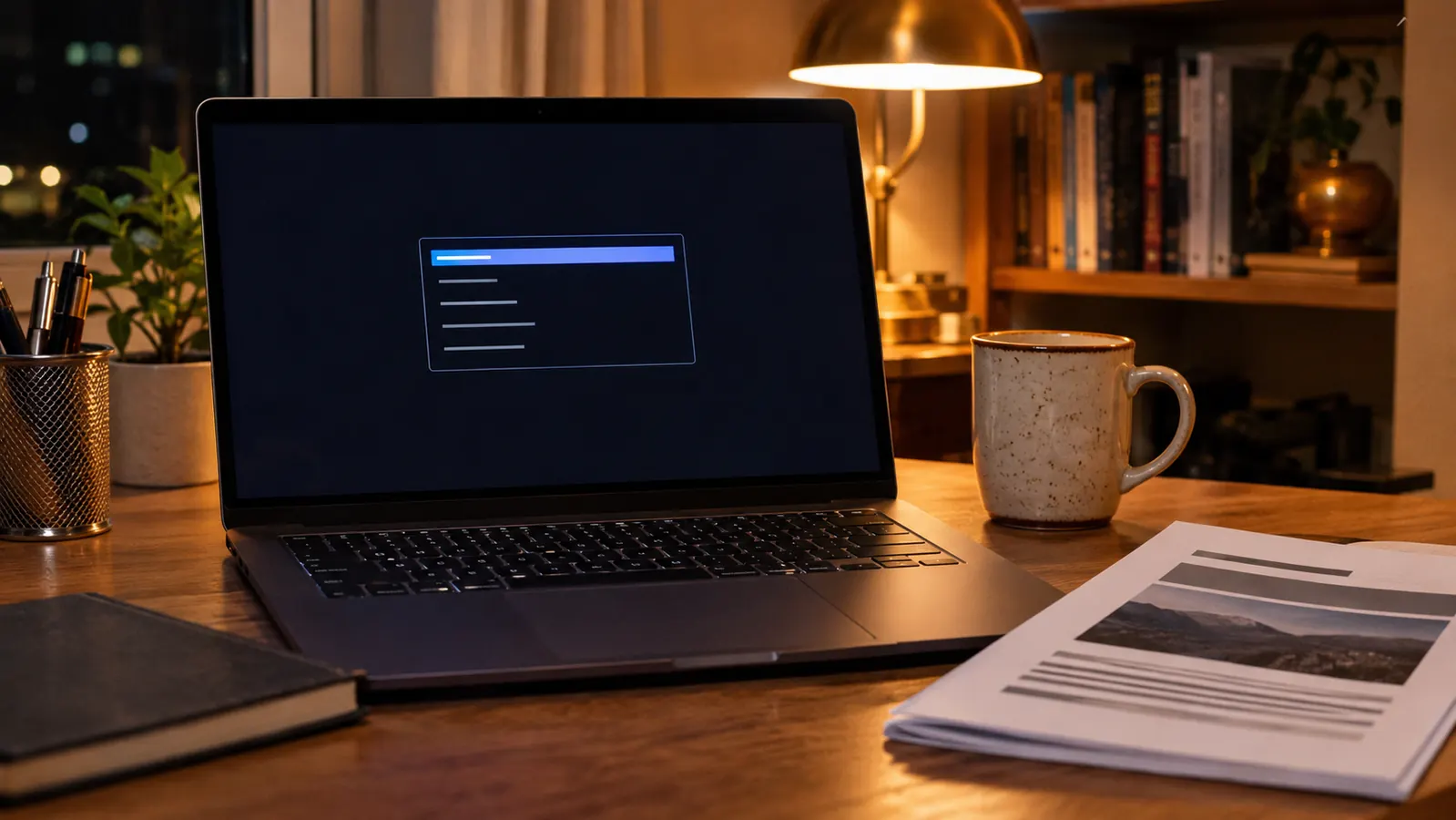
Rufus warned me it would erase everything on the drive. I had already copied my notes onto the HP, so I said yes and let it run. It took a few minutes. Then I plugged the drive into the Dell, turned it on, and nothing happened. It started straight into Windows the way it always had. The fix was not the drive. In the Dell's startup screen there is a boot order, which is the list of places the machine looks for something to start from. The drive was not near the top of that list. I moved it up, saved, restarted, and Linux came up on the second try.
I have repeated that maybe a dozen times since and it has worked every time. What I would tell you is that a drive like this is not only for carrying files. It is also a rescue tool. If the Dell ever refuses to start, I can start it from the SanDisk and get at the files from outside. That idea, that I can get in and look around when a machine will not cooperate, did more for my confidence than any chapter of the printed study guide on the shelf.
Speed, in Terms I Can Judge
The listing gives up to 400 megabytes per second for reading and 150 for writing. I had to look up what that means. Reading is taking something off the drive. Writing is putting something onto it. Reading is faster on almost every drive, and that matches what I feel at the desk.
In practice, opening a folder of notes and a few PDFs on the HP is instant. There is no waiting and no spinning cursor, which is more than I can say for the old stick. Copying a 2 GB Linux installer onto the drive took somewhere between 20 and 40 seconds by the kitchen clock. That is the write speed doing its job. If I were moving video files every week I would notice it. I move notes and installers, so I do not.
The number I would pay attention to if you are buying is not either of those. It is whether the small end fits your phone. Mine is USB-C, which is standard on most Android phones from the last several years and on newer laptops. If you have an iPhone with the older connector, the small end will not fit it. Look at your own phone before you order anything, because that is the whole decision.
Size, Weight and the Small Details
The drive is 1.75 inches tall, 0.48 inches wide and 0.34 inches deep, and it weighs 3.7 grams. That is about the weight of three paper clips. It carries a 5 year limited manufacturer warranty, which I have never needed to use. It lives in a small ceramic dish on the back room desk with the old 16 GB stick, a box of paper clips and a spare key to the shed. Anything that sits in a dish for 29 months and still works is built well enough for me.
The app is the one thing I never took to. The listing mentions a SanDisk Memory Zone app for backing up photos from a phone. I installed it once, looked at it, and never opened it again. My photos were not the reason I bought the drive, and I did not want one more thing to learn that month. I am not going to tell you it is good or bad. I am telling you it is optional, and the drive works as a plain drive without it.
What I Liked
- Both a wide USB-A end and a small USB-C end on one body, so my notes move from laptop to phone with no cable and no adapter
- 128 GB has held two and a half years of notes, installers and Linux files without ever filling up
- Small and light, 1.75 inches tall and 3.7 grams, so it lives in a dish on the desk and stays found
- Made a working bootable Linux drive in one Rufus session on the first attempt that counted
- Reversible small end, which matters more than I expected when I am holding a phone in one hand
Where It Falls Short
- Writing large files is slower than reading them, 150 MB/s against up to 400 MB/s on the listing
- The small end will not fit older iPhones or anything with a different connector, so check your phone first
- It is small enough to lose, which means it needs a fixed home or it will wander off
- The Memory Zone app did not fit how I work, and I stopped using it after one evening
Twenty-nine months, the same drive, and not one file lost. The only thing it has ever asked of me is that I look at which end I am holding.
Who This Is For
If you are where I was in the spring of 2024, learning on a laptop and a phone and tired of emailing yourself documents, this is a sensible second or third purchase. It removes a small daily friction that you stopped noticing. It also suits anyone studying for an entry level certification who wants their notes on one object they can carry from the kitchen table to the back room desk.
It suits a beginner who wants to try Linux without erasing Windows, because you can run the whole thing from the drive and pull it out when you are finished. And it suits anyone who wants one thing in a drawer that talks to an older computer and a newer phone on the same afternoon.
It suits me, in a way I did not expect, because it turned a thing I was afraid of into a thing I do without thinking. I failed Core 1 in February 2026 and passed it on the second try in May 2026. I am studying for Core 2 now and have not sat it. I am not going to tell you a flash drive had anything to do with either result. What I will tell you is that having my notes in one place, on one object I could trust, meant I stopped losing study evenings to the small stuff.
Who Should Skip It
If everyone in your house has USB-C on every machine, you do not need two ends. A plain USB-C drive will do the same work for less. The second connector is the entire point of this one, and if you do not need it, you are paying for a feature you will not use.
If you move video for a living, or run large backups every week, buy something faster and roomier. If you carry an iPhone with the older connector, check before you order, because the small end will not fit it. And if you are the sort of person who leaves a drive plugged into a laptop and forgets it, understand what you are buying: this thing weighs less than four paper clips, and small things go missing unless they have a home.
The Second Connector Is the Whole Reason
The old 16 GB stick in my dish still cannot talk to my phone. This one has, twice a week, for 29 months. Today's price is on the listing.
Amazon Check Today's Price on Amazon →