

For most adults learning at a kitchen table, a plain USB-A flash drive does the job, and the one already in the desk drawer will likely do it. The SANDISK 128GB Ultra Dual Drive Go earns its place the first time you need to move a file between a laptop and a phone without emailing it to yourself. I own both kinds. I bought the SANDISK drive in June 2024, and the plain one is a 16 GB USB-A stick that came home from the billing office with me and never went back. This is not a close call on every dimension. It is a close call on the one dimension that decides it for you.
I am 56 and I started learning this in January 2024, when my department moved to new billing software and I could not follow what the screen was doing. My practice machine is an old Dell Latitude I bought used. My everyday machine is an HP laptop. My phone is an Android with a USB-C port. That last detail is the whole reason a drive with two ends exists in my life, and it is also the reason the plain stick still has a job. Neither drive is complicated. They answer different questions.
| SANDISK Ultra Dual Drive Go | Plain USB-A stick | |
|---|---|---|
| Ends on the drive | USB-C and USB-A | USB-A only |
| Capacity | 128 GB | 16 GB on mine |
| Stated read speed | Up to 400 MB/s | Not stated on mine |
| Stated write speed | 150 MB/s | Not stated on mine |
| Fits the practice laptop | Yes, with the USB-A end | Yes |
| Fits an Android phone | Yes, with the USB-C end | No |
| Making it bootable | Worked on my second try | Worked on my first |
| Size and weight | 1.75 inches tall, 3.7 grams | Chunkier, easier to grab |
| Warranty | 5 year limited manufacturer | None that I know of |
| Software in the box | Memory Zone app, which I never installed | Nothing to install |
What USB-C and USB-A Actually Are
The USB-A end is the rectangular one you have been plugging in since the 1990s. It is on the side of my HP laptop, on the front of the Dell, and on the back of the monitor Theo gave me. If a port looks like the end of a drive you already own, that is USB-A.
USB-C is the small oval one. It is on my Android phone and on the charger for it. It goes in either way up, which sounds like a small thing until you have spent a decade flipping a stick over twice to get it to go in. The SANDISK drive puts one connector of each type on the same device, so a file can leave a USB-A laptop and arrive on a USB-C phone without an adapter in between.
The whole thing is small: 1.75 inches tall, 0.48 of an inch wide, 0.34 of an inch deep, and 3.7 grams. That is the entire piece of hardware you are being asked to keep track of, which is exactly why mine lives in a dish on the desk and not in a pocket.
What Each One Actually Does in My Week
The plain stick holds a Linux Mint image and nothing else. I made it bootable with Rufus on the HP laptop, and it starts the Dell when I want to practice in Linux without touching the Dell's own drive. That is the whole job. It sits in the dish on the back room desk the rest of the week and I do not think about it.
The two-ended drive does two jobs. The first is the same bootable job, and it worked. The first boot took two tries because the Dell kept ignoring the drive until I went into its setup screen and changed the boot order. That was not the drive's fault. It was mine, and it is the kind of thing you only learn by standing there looking at a black screen for ten minutes.
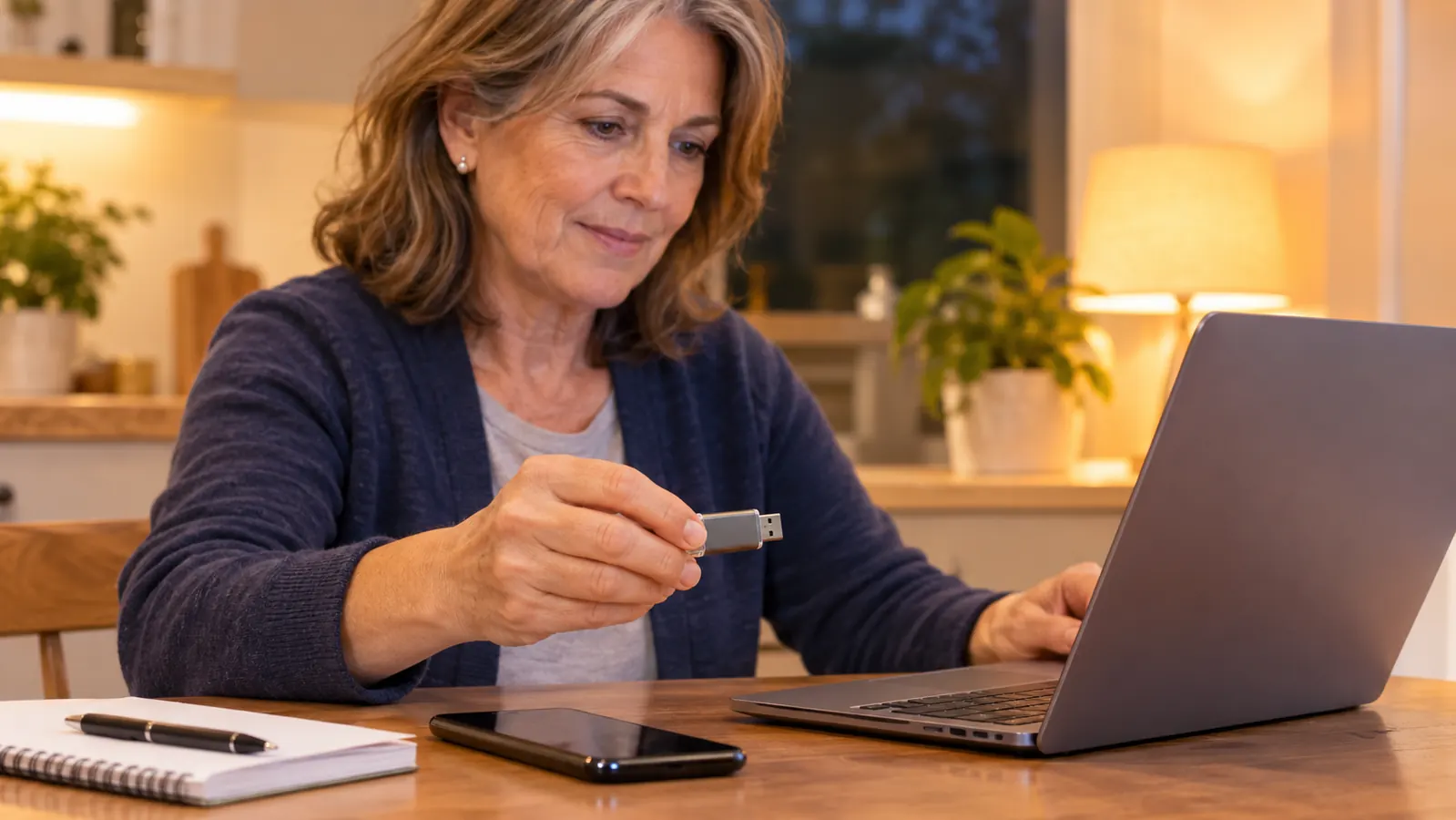
The second job is the one that changed my routine. My study notes live in a folder on the HP. On Tuesday and Thursday evenings, from 7 to 9, I read them at the kitchen table, and I read them on the phone when I am waiting somewhere. I used to email the folder to myself and open it on the phone. That worked until it did not, because the copy on the phone and the copy on the laptop drifted apart and I could never tell which one I had edited last.
The USB-C end goes into the phone. The USB-A end goes into the HP. No adapter in the middle, no cable to lose, no account to sign into. The listing describes the connector arrangement as reversible, and what that means at my desk is that I can hand the drive to someone with either kind of port and it will fit.
I also copy my notes folder onto it once a week. That is not backup in any professional sense. It is one folder copied to one drive on a Saturday morning, and it means that when I open the laptop and the file is not where I thought it was, there is another copy sitting in the dish. For my purposes that is enough.
Where the SANDISK Ultra Dual Drive Go Wins
It wins on the phone, and that is most of the argument. Before this drive, moving a file to the phone meant email or a cloud folder, and both of those need a network, a login, and a moment of remembering which account I used for what. The drive needs none of it. The USB-C end goes in and the phone treats it as storage. That is the entire setup.
It wins on capacity. 128 GB against the 16 GB in my old stick is not a fair fight and I am not going to pretend it is. A Linux image takes a real bite out of 16 GB, and once you add notes and screenshots there is not much room left. On the 128 GB drive I stopped thinking about room at all.
It wins on the stated speeds, at least on paper. The listing gives up to 400 MB/s read and 150 MB/s write. I have never timed either number and I am not going to invent a stopwatch result for you. What I can say is that copying a folder of notes and screenshots across is not something I stand around waiting on. I start it, I put my shoes on, and it is finished.
It also wins on the dull details. The drive carries a 5 year limited manufacturer warranty. Mine has not failed and I have not lost it. I did drop it once and crawl under the desk with a flashlight, which is the honest way into the next part of this.
The old stick could hold the Linux image. It could not hold the image, my notes, and the screenshots I take every time a lesson goes sideways.
Where the Plain USB-A Stick Wins
It wins on simplicity, and I mean that as a real advantage, not a consolation. It has one end. There is nothing to decide. When I was starting out, every small decision took something out of me, and a drive with two connectors looks like two chances to do it wrong. It is not, but it looks that way, and how a thing looks matters when you are already nervous about breaking something.
It wins on being easy to find and easy to hand over. The old stick is bigger and heavier in the hand, so it does not vanish into the seam of a drawer the way a small drive can. I have handed it to Walt without a second thought. It also has nothing attached to it. The SANDISK drive ships with the Memory Zone app and I have never installed it, so I cannot tell you whether it nags, but the old stick offers nothing at all and asks nothing of me.
It wins, too, on being the one I do not worry about. If it dies, the image on it can be written again in an evening, and the notes are on the laptop anyway. That lack of consequence is worth something when you are learning, because it lets you try things without flinching first.
One drive that fits the laptop and the phone
If your notes have to land on both a USB-A laptop and a USB-C phone in the same week, this is the drive I actually use. 128 GB, a USB-C end, a USB-A end, and no adapter to keep track of.
Amazon Check Today's Price on Amazon →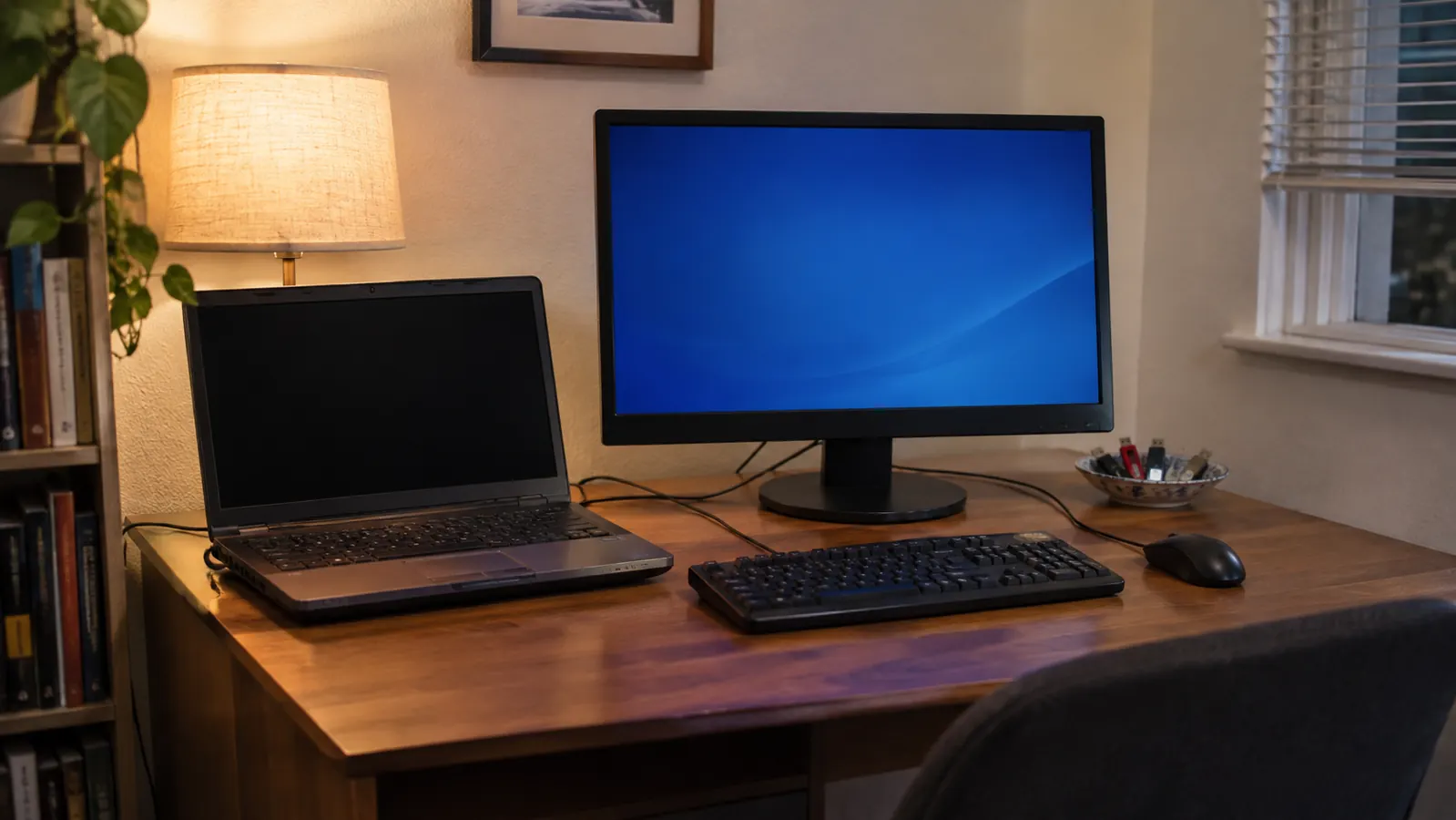
Who Should Buy Which
Buy the SANDISK drive if you have two kinds of port in your week. A laptop with USB-A and a phone with USB-C. A work machine and a personal one. A practice desktop and a tablet. The moment the same file has to cross between two connectors, the drive with two ends stops being a gadget and becomes the shortest path between them. Buy it as well if 16 GB has started to feel tight, because a Linux image plus notes plus screenshots gets there faster than you expect.
Stay with the plain USB-A stick, or buy a plain one, if everything you own has a USB-A port and the drive only ever needs to do one job. A bootable Linux stick is the clearest case. Make it once, put a piece of tape on it and write on the tape, and leave it in the drawer. My old stick has done that job without complaint, and a second drive would not have made me learn anything faster.
What I Got Wrong at the Start
I assumed the more capable drive was the more advanced choice, so I let the plain stick sit in the dish for months while I used the new one for everything. What I got wrong was thinking the two of them competed. They do not. One is a boot disk. The other is the one I reach for when a file has to cross from one device to another. Keeping both in the same dish is not indecision. It is having one tool for each of two jobs.
The other thing I got wrong was thinking I needed to understand the speeds before I could use the drive. I do not. 400 MB/s read and 150 MB/s write are printed on the listing, and they are numbers a person can safely ignore when the folder copies before the coffee is poured. What I actually needed to understand was which end goes where, and that took one evening at the kitchen table.
What a Better Drive Will Not Fix
A drive does not teach you file paths. It does not make the terminal feel less like a foreign language. It moves a file from one place to another without a network, and that is all it does. I still had to sit down on Tuesday and Thursday evenings and work through the material, and I still had to fail Core 1 in February 2026 before I passed it in May. The drive made one chore shorter. It did not do the studying.
I mention it because a person can spend a lot of evenings shopping for the right piece of hardware instead of sitting down with the thing they are trying to learn. The drive was worth it for me. It was worth it because it removed a specific annoyance I could name, not because it promised anything about how far I would get.
Two ends, for the file that has to cross devices
My SANDISK Ultra Dual Drive Go has been in the dish on the back room desk since June 2024. If your studying happens on a laptop and your reading happens on a phone, this is the drive that closes the gap.
Amazon See it on Amazon →