
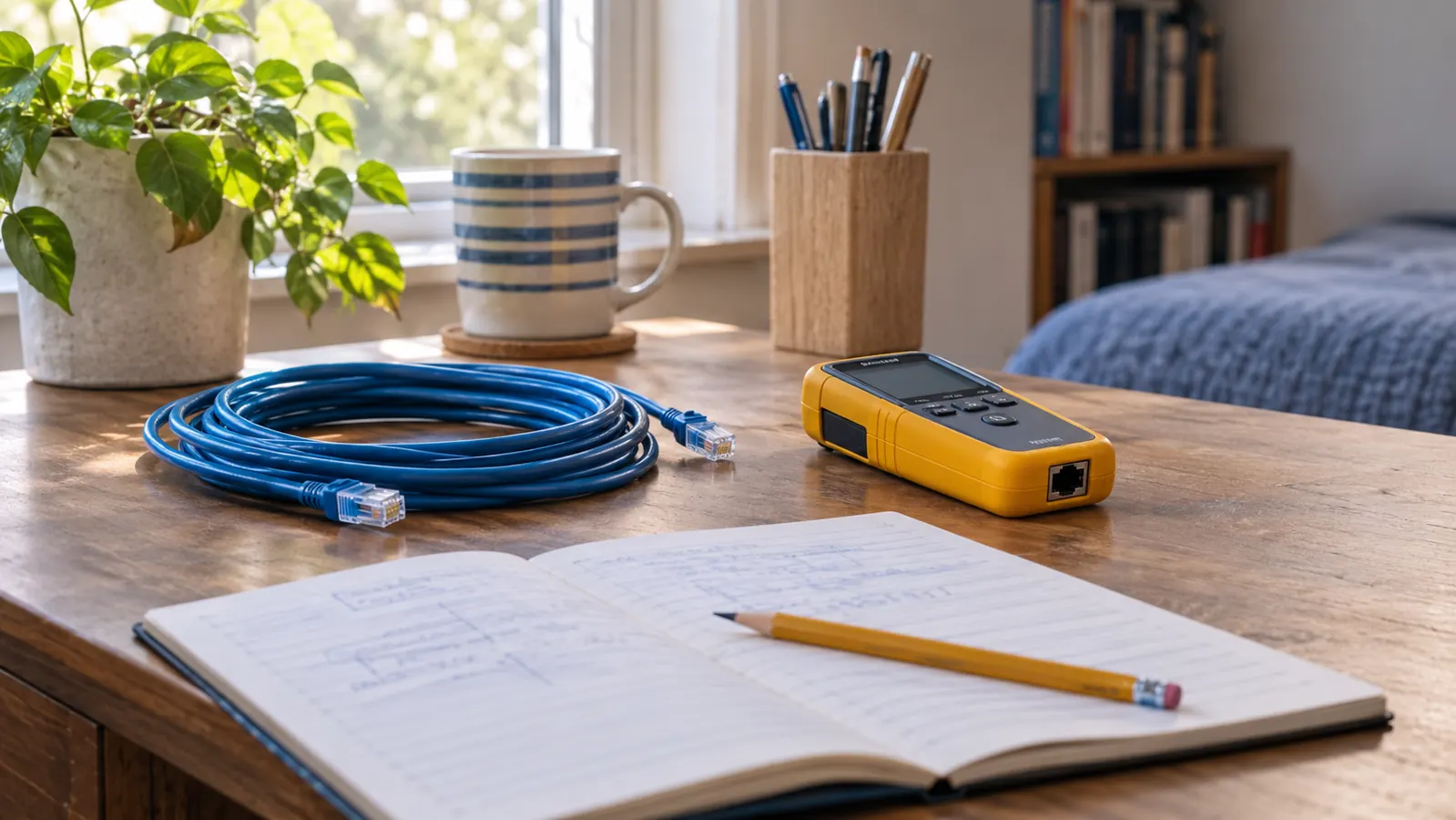
Nobody warns you that the reading is the easy part. The hard part is standing at the end of a cable with a small device in your hand, unsure whether the thing you are holding is good, bad, or perfectly fine and simply plugged into the wrong jack. I spent a Saturday afternoon in September 2025 in exactly that position, borrowing my nephew's tester and staring at a blinking light I could not interpret. I felt stupid, which is a feeling I have gotten used to since I started learning this at 54.
That is why I bought the Klein Tools Scout Pro 3 in October 2025. I am 56, I work full time as a hospital billing clerk in Knoxville, and I study at the kitchen table on Tuesday and Thursday evenings plus most Saturday mornings. Networking is the chapter of CompTIA A+ Core 2 that made me put the book down and go make coffee. The Scout Pro 3 is the first piece of gear I have bought that answers a question instead of asking me one.
A tester that tells you the answer instead of blinking at you
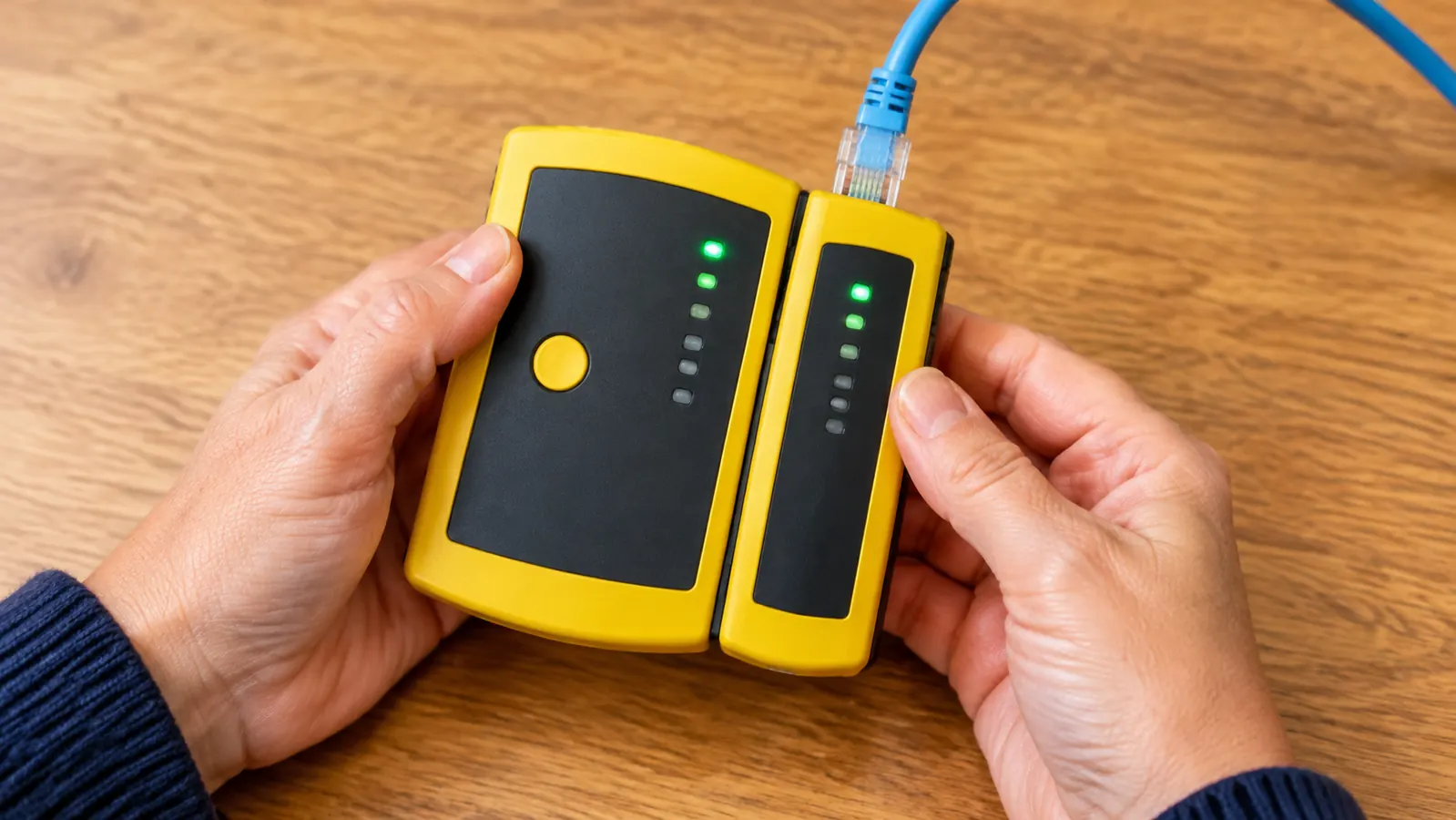
The Scout Pro 3 reads the wiremap, the cable length and the cable ID on one backlit screen. It tests data, voice and coax cable. Mine came with the remotes, the adapter and the battery in the box, so there was nothing else to order before I could start.
Amazon Check Today's Price on Amazon →Step 1: Learn the three jacks before you plug anything in
My first mistake had nothing to do with the tester. I tested a cable that was still plugged into the router in the hall closet. All that gave me was a reading I could not trust, because the cable was part of a live network instead of a loose cable lying on a table. Now I unplug both ends first, every time, and I lay the cable out flat where I can see the whole thing. If one end is still in a device, I am not testing the cable. I am testing my own patience.
The second thing to learn is which end goes in which hole. The Scout Pro 3 tests three kinds of terminated cable. Data cable, the Ethernet kind with the wide plastic clip and eight contacts, goes in the RJ45 jack. Voice cable, the narrower phone-style connector, goes in the RJ11 or RJ12 jack. Video cable with the round threaded metal fitting, called an F-connector, goes in the coax jack. If you push a phone connector into the data jack and wonder why nothing happens, that is not a broken tester. That is the wrong hole, and I have done it.
One safety note, and I do take this one seriously. I never test anything connected to live electrical wiring. The listing gives a maximum operating voltage of 66 volts of direct current for this tester, which tells you plainly what kind of work it is built for. It is for low-voltage cable lying on a table or stapled inside a wall. If a cable in your house is part of the electrical system, put the tester down and call someone who is qualified.
Open the box before you plan your Saturday. Mine held the tester itself, a set of remotes, an adapter, and the battery. The tester is battery powered, and the listing gives a minimum operating voltage of 9 volts, so if the screen looks faint, check the battery before you decide the unit is faulty. Mine has been on the same battery since October 2025 and it is still going, but I keep a spare in the drawer anyway because I do not want to stop in the middle of a job.
Step 2: Start with a cable you already know is good
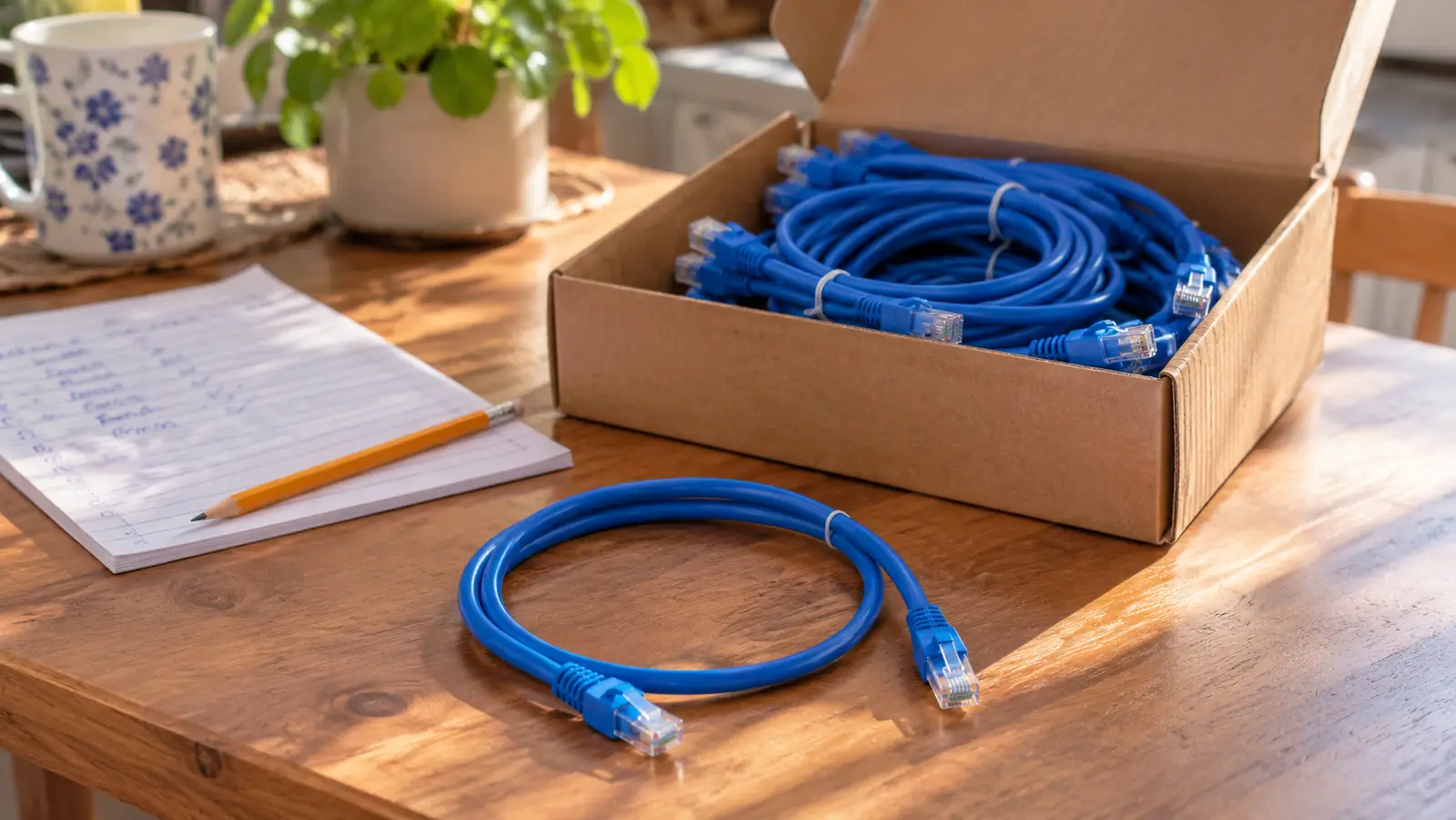
Theo gave me a box of 10 short patch cables that had been through a school district. The first thing I did was not test the box. I took the cable already running from the Raspberry Pi to the monitor stand, which I knew was good because I had been using it for months, and I tested that one first. That gave me a baseline. I could see what a passing reading looks like on the screen before I had any bad news to compare it to.
This sounds like a wasted step. It is not. When the screen shows four pairs lined up in order, you learn the shape of a pass. Later, when a cable shows something different, you recognize the difference instead of wondering whether the screen is broken or whether you are holding it wrong. That one minute of setup saves you a whole afternoon of doubt.
I also know what the other kind of tester does, because I borrowed one. Theo's cheap tester had a row of blinking lights and no screen. For one weekend it told me a cable had a problem, but it could not tell me which wire, how long the cable was, or which of the identical cables in the box I was holding. The Klein Tools Scout Pro 3 put words and numbers on the screen and that was the whole difference for me. I am not clever enough to read blinking lights. I can read a number.
Step 3: Read the wiremap before you look at the length
Wiremap is the word that stopped me for a solid week. It means the tester is showing you which pin on one end of the cable connects to which pin on the other end, in order, pair by pair. Eight wires, four pairs. A cable that is wired wrong, or has a broken wire, or has two wires swapped, shows up right there. Nothing else on that screen matters if the wiremap is wrong, so I read it first and the length second.
Of the 10 patch cables in Theo's box, one failed. The wiremap on that one did not line up with the rest, and when I tested it a second time it did the same thing, which is exactly what you want from a tester. A fault you can repeat is a real fault. That cable went in the trash. The other nine went into a drawer with a rubber band around them and a strip of tape on the bundle with the date I tested them.
I want to be honest about something. I do not know what is happening inside the tester when it does this, and I have not taken it apart to find out. What I know is that the reading is repeatable, that the screen is backlit and I can read it under the lamp on my back room desk, and that it shows cable length, wiremap, cable ID and test results without me decoding anything. For where I am in my studying, repeatable is the part I can actually work with.
Step 4: Use the length reading to check the work already in your walls
The length reading is the part I did not expect to care about. The listing says this tester measures cable length up to 2,000 feet, which is 610 meters. My house has exactly one cable run in it, and that run is up in the attic, so I did not think length would ever matter to me.
In October 2025, my husband Walt and my nephew Theo ran one Ethernet cable from the hall closet where the router sits, up through the attic, and down into the back room where my desk is. When they finished and came down covered in insulation, I plugged one end into the tester. It read 46 feet. I wrote 46 feet in my notebook in pencil, and I have not had to guess about that run since.
Why does that matter to someone studying for a certification? Because it turns an abstract idea into a number you can hold in your hand. Before that afternoon, cable length was something a book told me about in a chapter. Now I know the run behind my desk is 46 feet, that the tester reads up to 2,000 feet, and that if a reading came back wildly different from what I expected, I would go look at the cable instead of blaming the tool. That is a habit I would not have without the number on the screen.
Step 5: Work the whole box in one sitting and keep a paper log
The kit includes remotes, which are small plugs you put on the far end of a cable so the tester can tell you which cable you are holding. That is the cable ID feature, and it is the reason I can work through a box without physically chasing both ends. If you are staring at a bundle of identical cables in a box, this is the difference between 20 minutes and an entire afternoon on your knees.
My method is not clever. Saturday morning, kitchen table, one cable at a time. I plug in, wait for the screen, read the wiremap, read the length, and write both down in a notebook with the date at the top of the page. Good cables get a rubber band and go back in the box. Bad ones go straight into the trash bag at my feet, not back into the box, because I know myself well enough to know I will mix them up otherwise.
The paper log is the part I would tell anyone to copy. Three weeks later, when a cable stops working, you will not remember which one you tested and which one you skipped. Your handwriting will. I keep the notebook with my study notes at the kitchen table, and the difference between a guess and a record is about 30 seconds of pencil work per cable.
What Else Helps
Label both ends before you start. A strip of masking tape and a pencil is enough, and it costs you nothing. I learned this the slow way with the USB drives in the dish on my desk, where two identical drives sat side by side for a month before I finally wrote on them.
Tracing a cable that is already buried inside a wall is a different job from testing one that is lying on the table. For tracing you need a tone probe, and the listing mentions the Klein Tools VDV500-123, sold separately, for that work. I do not own a tone probe and I have not needed one, because my house has one run, it is 46 feet long, and both ends are visible to me. If you are working in a building with 40 cables disappearing into a ceiling, that is a different situation, and I would read the listing carefully before buying anything.
A few small habits keep the tool usable. The kit came with the battery, and when the screen starts looking tired I change it rather than deciding the tester has gone bad. The listing gives an upper temperature rating of 60 °C, which is why mine does not live in the car in a Tennessee summer. It weighs 454 g and measures 6.9 by 3.2 by 1.5 inches, so it sits in the back room desk drawer beside the iFixit case and I can find it without turning on a light.
And read the small manual that comes in the box before you pick up the first cable. I skipped it, spent 20 minutes confused, then read it, and the whole thing took four minutes. That is a trade I have made more than once and I have never once come out ahead.
One cable out of ten failed. I did not have to guess which one, and I did not have to wonder about the other nine.
Five steps, one drawer, no more guessing about a cable
The Klein Tools Scout Pro 3 is the piece of gear that moved networking out of the book and onto my kitchen table. Mine has lived in the desk drawer for 13 months and I reach for it every time a cable starts acting up.
Amazon Check Today's Price on Amazon →